An aiCarousels alternative for people who write their own carousels
Also comparing PostNitro and Contentdrips: what each does, what it costs, and who should switch.
If AI carousel generators give you slides that sound like everyone else's, the aiCarousels alternative is to write the words yourself and let the tool handle the design. LightFit Studios starts every post finished, in your name. It exports PNG slides for Instagram, LinkedIn, X and Threads, and there's no AI in the exported file. Lifetime access is $100 once. Stay with aiCarousels if you want slides written for you.
- Choose LightFit if you write your own posts and want them on finished slides, paid once.
- Choose aiCarousels or PostNitro if you want slides drafted from a topic or a link.
- Choose Contentdrips if you need bulk creation, teams or many content types.
One payment. Nothing renews. Full refund within 14 days.
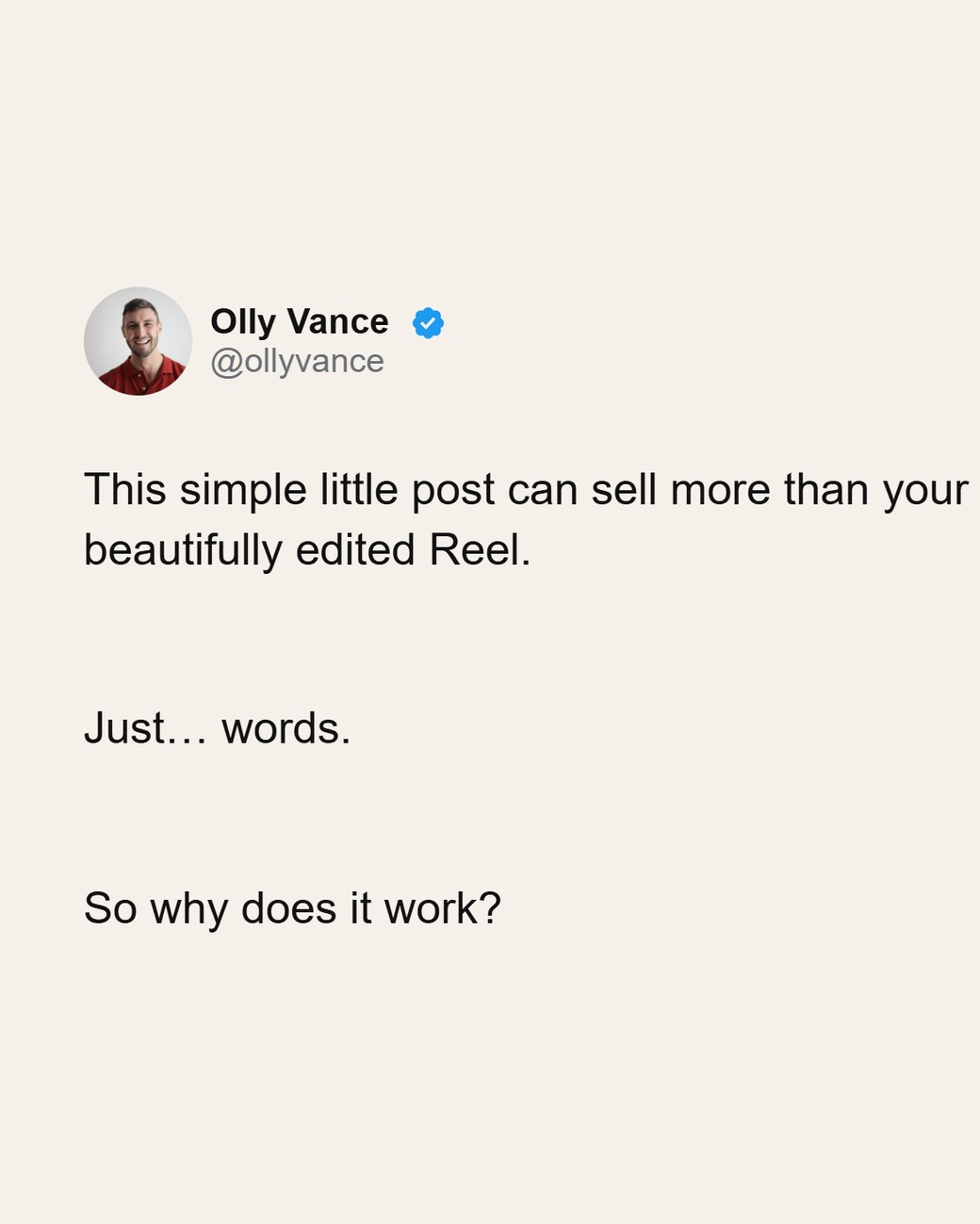
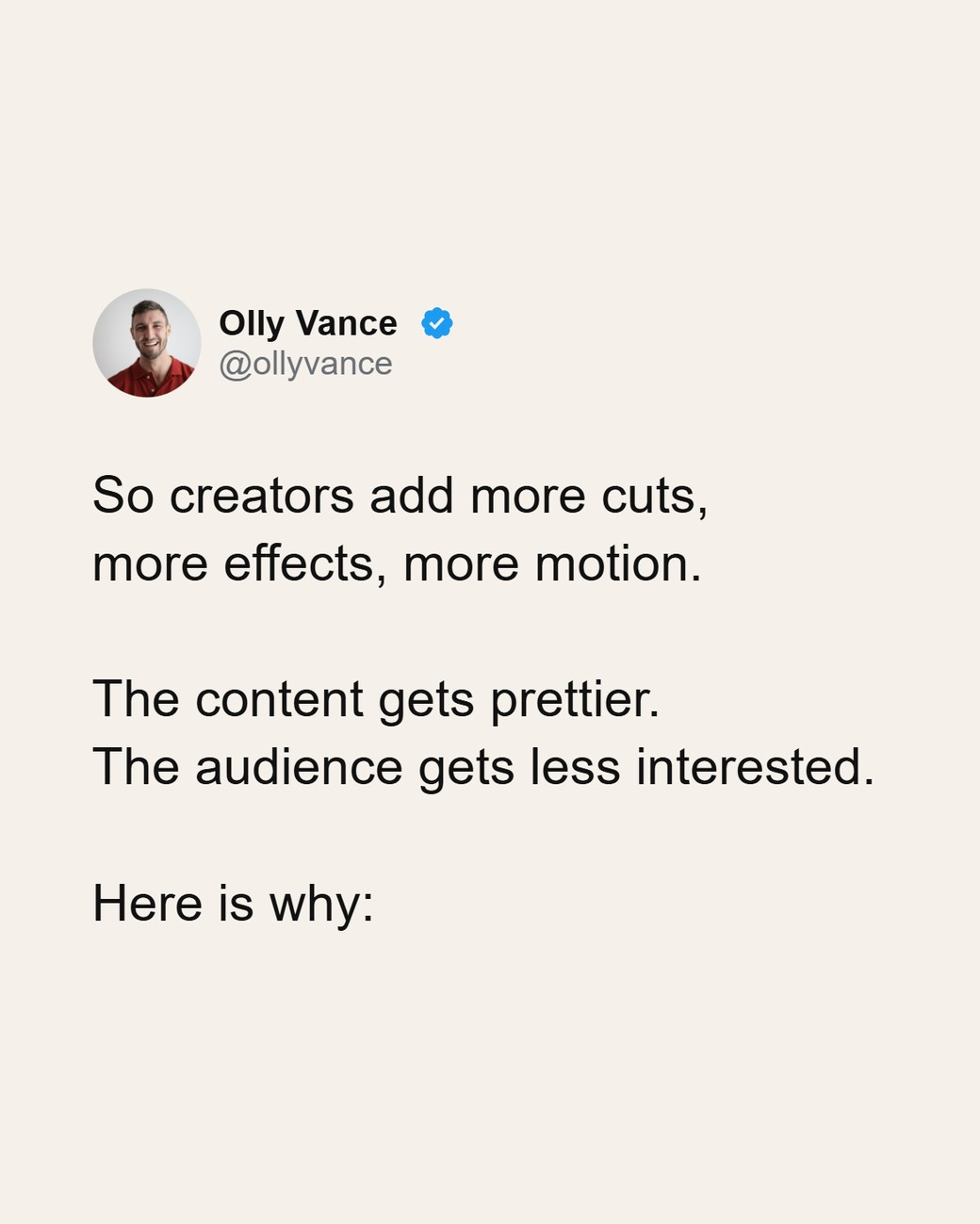
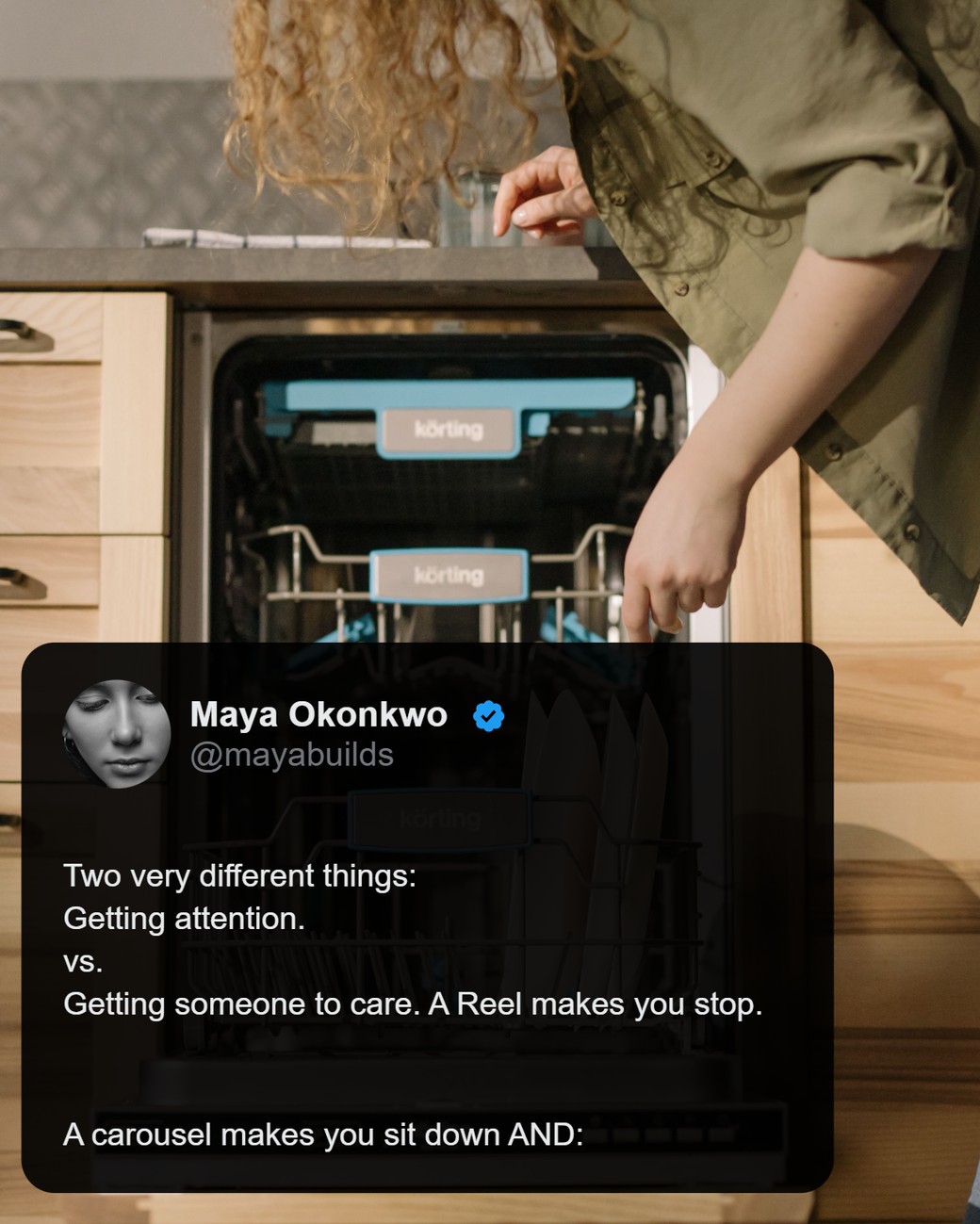
AI generator or write-it-yourself: which do you need?
If you want the words written for you from a topic or a link, stay with an AI generator. If you want your own words on finished slides, use a write-it-yourself studio.
An AI generator suits you if:
- You start from a topic, a URL, a video or a PDF, not from a draft.
- You're happy to edit what the AI writes.
- You need a PDF for a LinkedIn document post.
A write-it-yourself studio suits you if:
- You already write your posts, threads or notes.
- You want them to sound like you, not like a template.
- You want the design done, without lining anything up by hand.
LightFit vs aiCarousels vs PostNitro vs Contentdrips
LightFit is the one where you write the words and pay once; the other three write with AI, import from links, export PDF and charge monthly.
| LightFit Studios | aiCarousels 1 | PostNitro 2 | Contentdrips 3 | |
|---|---|---|---|---|
| Who writes the words | You (optional AI help in the app) | AI, from a topic, text, website, YouTube video or PDF | AI, from a topic, URL, X thread or text | AI, from a blog, YouTube, CSV, text and more |
| Import from an X post or link | ✗ No. You type or paste. | ✓ Website, YouTube or PDF to carousel | ✓ URL and X thread | ✓ Blog and YouTube links |
| Export | PNG only, 1170px wide | ✓ PDF download for LinkedIn; other formats not stated | ✓ PNG or PDF | ✓ PNG and PDF |
| LinkedIn PDF document carousel | ✗ No | ✓ Yes | ✓ Yes | ✓ Yes |
| Sizes | 4:5, 1:1, 9:16, 16:9 | Not stated | Not stated | Not stated |
| Slides per carousel | Up to 20 | Not stated | Not stated | "Unlimited" (its own claim) |
| Tweet-style and quote-over-photo looks | ✓ Built in | Not stated | Not stated | Not stated |
| Scheduling or publishing | ✗ No | Not stated | ✓ Yes, on higher plans | ✓ Yes, on paid plans |
| Image model / AI in the file | No image model is involved; no AI in the exported file | AI-generated text; an AI image generator is offered | AI-written copy | AI writer and AI Design Agent |
| Price | $100 once, lifetime | $15/month, or as low as $10/month billed annually, per aiCarousels' own blog (checked 17 Oct 2026; aiCarousels publishes no public pricing page) | Starter $15/mo, Creator+ $30/mo, Team+ $60/mo | Starter $15/mo, Pro $26/mo (monthly billing) |
Sources, all checked 17 Oct 2026: 1 aiCarousels: aicarousels.com (inputs, LinkedIn PDF download) and its blog (price). 2 PostNitro: postnitro.ai/pricing (prices) and its review page (inputs, export). 3 Contentdrips: contentdrips.com/pricing (prices) and its aiCarousels page (inputs, export, publishing). "Not stated" means the tool's own pages we read don't say.
Where the others win: PDF export, link import, and scheduling on PostNitro and Contentdrips. If you need those, LightFit isn't the tool.
Why switch from aiCarousels
Switch if your problem is that the slides don't sound like you.
- Sameness. One person put it bluntly: "AI Carousels is convenient but the designs look basic." A reply called AI carousels "Commodity Slop" (r/content_marketing). That's one thread, not a survey, but it's a common complaint.
- Your words, your look. In LightFit the words are yours. Presets and defaults open every post in your look. Use any Google font by name, or your own font file. Make tweet-style threads or a quote over your own photo.
- Pay once. aiCarousels is a monthly subscription; see the price row above, from its own blog. LightFit is $100 once. Do the maths for the months you'd use it.
Who should stay on aiCarousels
Stay on aiCarousels if you want the tool to draft the slides for you.
- You start from a topic, a URL, a YouTube video or a PDF, and want a carousel back.
- You need a PDF for a LinkedIn document post.
LightFit does neither. It's built for people who write.
Looking for a PostNitro alternative?
LightFit is a PostNitro alternative for people who write their own threads and want to pay once.
PostNitro writes carousels from a topic, URL, X thread or text. It exports PNG or PDF and schedules posts on higher plans (PostNitro review page, checked 17 Oct 2026). Plans are Starter $15/mo, Creator+ $30/mo and Team+ $60/mo (postnitro.ai/pricing, checked 17 Oct 2026).
- Stay on PostNitro if you need scheduling, publishing or X-thread import.
- LightFit fits if you write your own threads, paste them in, and want to pay once.
Looking for a Contentdrips alternative?
LightFit is a Contentdrips alternative for one person writing their own carousels, paid once.
Contentdrips generates carousels from blogs, YouTube, CSV and text. It exports PNG and PDF, and publishes to LinkedIn and Instagram on paid plans (Contentdrips, checked 17 Oct 2026). Plans are Starter $15/mo and Pro $26/mo, billed monthly (contentdrips.com/pricing, checked 17 Oct 2026).
- Stay on Contentdrips if you work as a team, create in bulk from CSV, or turn many content types into carousels.
- LightFit fits if you write the words yourself and want them on finished slides.
How making a carousel works in LightFit
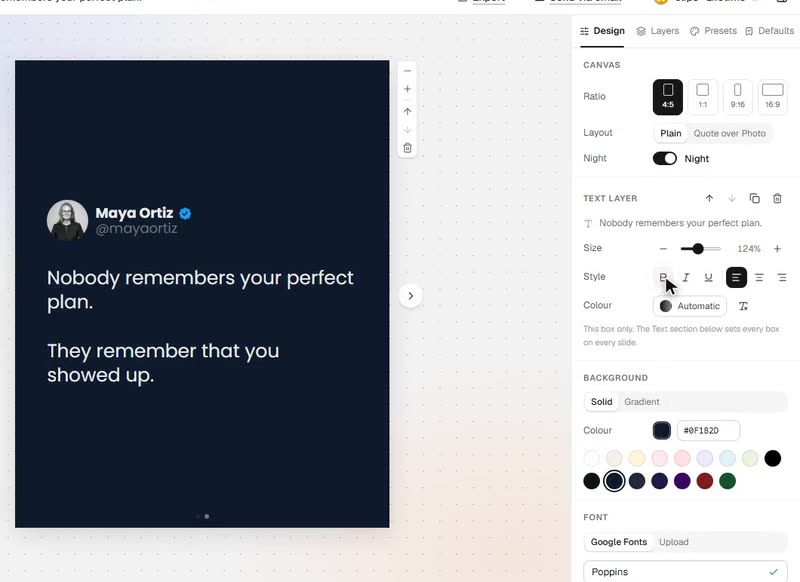
You type or paste your words, pick the look, and export PNG slides.
- Type or paste your words, one idea per slide.
- Pick the look, or let your saved preset open it. Your name, photo, fonts and colours are already there.
- Export the PNG slides and post them.
The layout is proportional, so there's nothing to line up. Every setting sits in one panel. For a full walk-through, see how to turn an X thread into an Instagram carousel, or the tweet-style carousel maker page.
Export, sizes and limits
LightFit exports PNG slides only, 1170px wide, in four sizes, up to 20 slides.
- Sizes: 4:5, 1:1, 9:16 and 16:9.
- Slides: up to 20 per carousel.
- Where they go: an Instagram carousel, a LinkedIn multi-image post, or images on X and Threads.
- What it doesn't do: no PDF export, so no LinkedIn document carousel. No import from X or any link.
About AI
LightFit draws slides in your browser from your words and photos. No image model is involved, and there's no AI in the exported file. Optional AI help is available in the app if you want it. Platforms make their own labelling decisions; read why your carousel got an "AI info" label.
Price: one payment vs a subscription
LightFit is $100 once for lifetime access. Nothing renews.
- Tax: the price excludes any sales tax or VAT, which is calculated at checkout.
- "Lifetime" means for as long as LightFit Studios runs the service.
- Refund: full refund within 14 days (refunds policy).
- Payment: lifetime access is $100, paid once, and turns on right after payment.
The three tools above are monthly subscriptions. For the full one-time vs subscription breakdown, see the carousel maker lifetime deal. Coming from Canva instead? See the Canva alternative for carousels.
Comparing several tools at once? See the best carousel maker roundup.
One payment. Nothing renews. Full refund within 14 days.
FAQ
What's a good aiCarousels alternative if I want to write my own words?
A write-it-yourself studio like LightFit Studios. You type or paste your words, every post starts finished in your look, and you export PNG slides. If you want the text drafted for you, an AI generator is still the right route.
What's the difference between LightFit and aiCarousels?
In LightFit you write the words; aiCarousels drafts them with AI from a topic, text, website, YouTube video or PDF. LightFit exports PNG only; aiCarousels offers a PDF download for LinkedIn. LightFit has no link import. LightFit is $100 once; aiCarousels is a monthly subscription, according to its own blog.
Is there a PostNitro or Contentdrips alternative I pay for once?
Yes. LightFit is $100 once for lifetime access. It doesn't schedule posts or import from links. The lifetime deal page has the full breakdown.
Does LightFit use AI?
No image model is involved and there's no AI in the exported file: slides are drawn in your browser from your words and photos. Optional AI help is available in the app if you want it.
Can LightFit make LinkedIn PDF carousels?
No. LightFit exports PNG only. Post the PNGs as a LinkedIn multi-image post, or use a tool that exports PDF.
Can I import a post, thread or article from a link?
No. You type or paste your own words. That's the point of the tool.
What sizes does LightFit export?
PNG, 1170px wide, in 4:5, 1:1, 9:16 and 16:9, up to 20 slides per carousel.
What happens when I buy?
Lifetime access is $100, paid once, and turns on right after payment. Nothing renews, and there's a full refund within 14 days.
Your words, on finished slides. Pay once.
One payment. Nothing renews. Full refund within 14 days.