How to turn an X thread into an Instagram carousel
To turn an X (Twitter) thread into an Instagram carousel, put one tweet on each slide, use the 4:5 portrait size, and keep the same look on every slide. Then export the slides as images and upload them in order as one carousel post, up to 20 slides. A tweet-style carousel maker does the design step for you.
- Pick the size: 4:5 portrait for Instagram.
- Put one tweet on each slide.
- Keep the same look on every slide.
- Export the slides as images.
- Post them in order as one carousel.
Before you start: edit the thread for swiping
A thread you scroll and a carousel you swipe work differently, so edit first. Give every slide one idea. Make slide 1 a hook that makes people want to swipe. Cut the thread filler: "1/", "🧵👇" and "more below" mean nothing on a slide. Instagram allows up to 20 slides, so long threads usually need trimming. End with a slide that asks for something: save this, follow for more, or answer a question in the comments.
Step 1: Pick the size (4:5 for Instagram)
Pick 4:5 portrait. It takes up the most room in the Instagram feed; 1080×1350 is the common upload size. Square 1:1 works too. Whichever you choose, use it for every slide: Instagram applies one orientation to the whole carousel and allows up to 20 photos in it (Instagram Help Center).
Step 2: Put one tweet on each slide
Paste one tweet per slide. You can do this by hand with screenshots or with a carousel maker.
By hand, with screenshots
Screenshot each tweet, crop out the phone's status bar and the buttons, and keep the background colour the same on every slide. Then resize each image to the same 4:5 canvas so nothing jumps between slides. It works and costs nothing, but it's slow, and it's hard to keep every slide exactly even.
With a tweet-style carousel maker
Paste each tweet's text onto its own slide. The tool adds your name, handle and photo and keeps every slide the same size. In LightFit you paste or type the text yourself. It doesn't import a thread from an X link, so you choose exactly what goes on each slide. If you were looking at screenshot tools, the TwitterShots alternative page compares that route with writing the words yourself.
Step 3: Keep it looking like you
Use the same font, the same light or dark look and the same profile photo on every slide. Readers should know it's yours before they read a word. Keep the text big enough to read on a phone without zooming. If a tweet doesn't fit comfortably, split it across two slides.
Step 4: Export the slides as images
Export every slide as an image, in order, then look at them on your phone before posting. LightFit exports each slide as a PNG, 1170px wide. With lifetime access you can send the slides to your own inbox, so they're on your phone ready to post.
Step 5: Post as one carousel on Instagram
Select all the images in order and post them as one carousel. In the caption, repeat the hook from slide 1 in a sentence. Before sharing, add alt text for each image in Instagram's advanced settings, so people using screen readers get the words too.
Reusing the same slides on Threads and LinkedIn
The same PNGs work on Threads and LinkedIn, with one catch on each.
- Threads: you can post 2–20 images, and the first image sets the ratio for the rest (xcarousel). If every slide is the same size, you're fine.
- LinkedIn: upload the images as a multi-image post. LinkedIn's swipeable "document" carousel needs a PDF (socialscheduler.ai). LightFit exports PNG only, so a PDF would have to come from another tool.
Doing it in LightFit (worked example)
Open the studio, type or paste the first tweet onto slide 1, and add a slide for each tweet after that. Set your name, handle and photo once and they appear on every slide. Pick a preset or switch to Night, then export.

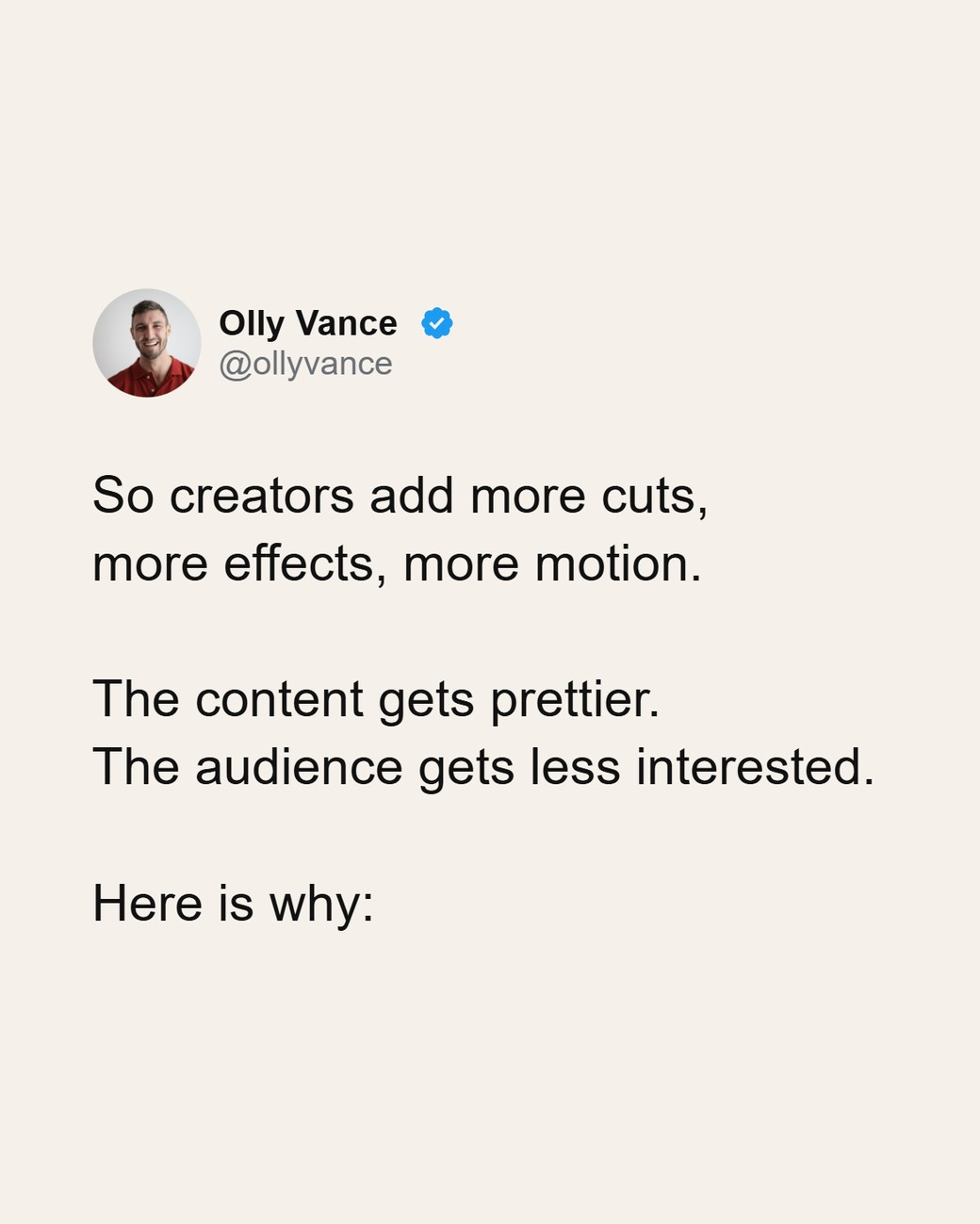
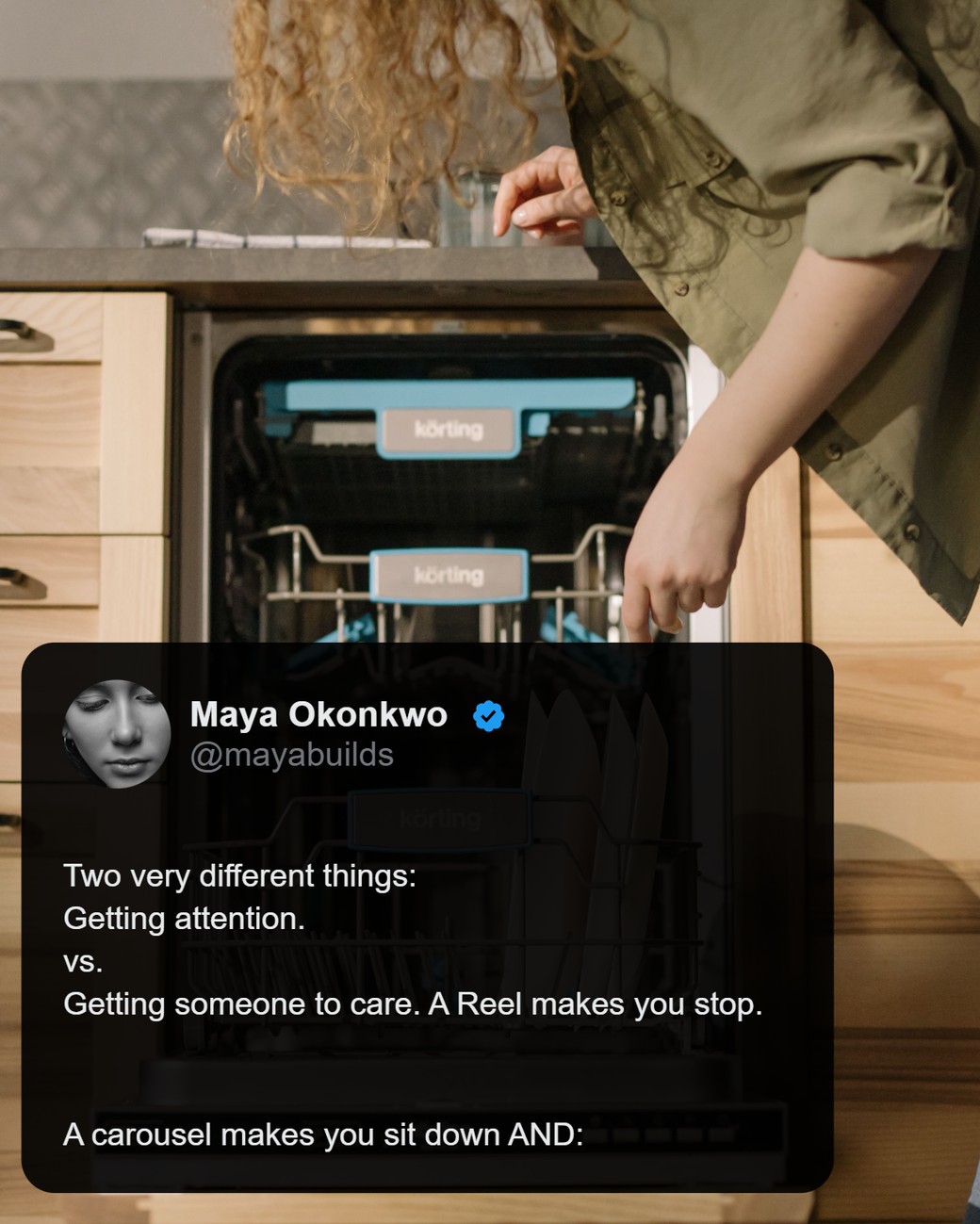
Lifetime access is $100 once: up to 20 slides, every ratio and unlimited exports, so a full thread fits in one carousel.
FAQ
How many slides can an Instagram carousel have?
Up to 20 photos and videos in one post, according to Instagram's Help Center. Every slide uses the same orientation.
What size should tweet carousel slides be?
4:5 portrait for Instagram, since it shows largest in the feed. Square 1:1 also works. Keep every slide the same size.
How do I screenshot a tweet without the status bar?
Crop the status bar out of each screenshot and resize every image to the same canvas. Or skip screenshots and rebuild each tweet as a slide in a tweet-style carousel maker.
Can I import a thread straight from an X link?
Some tools do. LightFit doesn't: you paste or type the text, one tweet per slide.
Can I post the same slides on LinkedIn?
Yes, as a multi-image post. LinkedIn's swipeable document carousel needs a PDF, and LightFit only exports PNGs.
Can I do this without a carousel maker?
Yes. Do it by hand with screenshots: crop each one and resize it to the same 4:5 canvas. It takes longer, and it's hard to keep every slide even.
Will Instagram label my carousel as AI?
Instagram decides that for itself. It looks for AI signals in the file and for your own disclosure. LightFit draws slides from your words with no image model, and on LightFit exports nothing in the file gives them a reason to label it. Our guide to the "AI info" label explains more.