A TwitterShots alternative for tweet-style carousels you write yourself
No screenshots and no link import: type or paste your post, and every slide looks like a post in your name.
If you want tweet-style posts without screenshots, LightFit Studios is a TwitterShots alternative where you write or paste the words and every slide looks like a post in your name. It doesn't import from X links. It exports PNG slides for Instagram and LinkedIn, up to 20 per carousel. Lifetime access is $100 once.
LightFit has no X import. It doesn't fetch tweets from links. You write or paste the text.
One payment. Nothing renews. Full refund within 14 days.
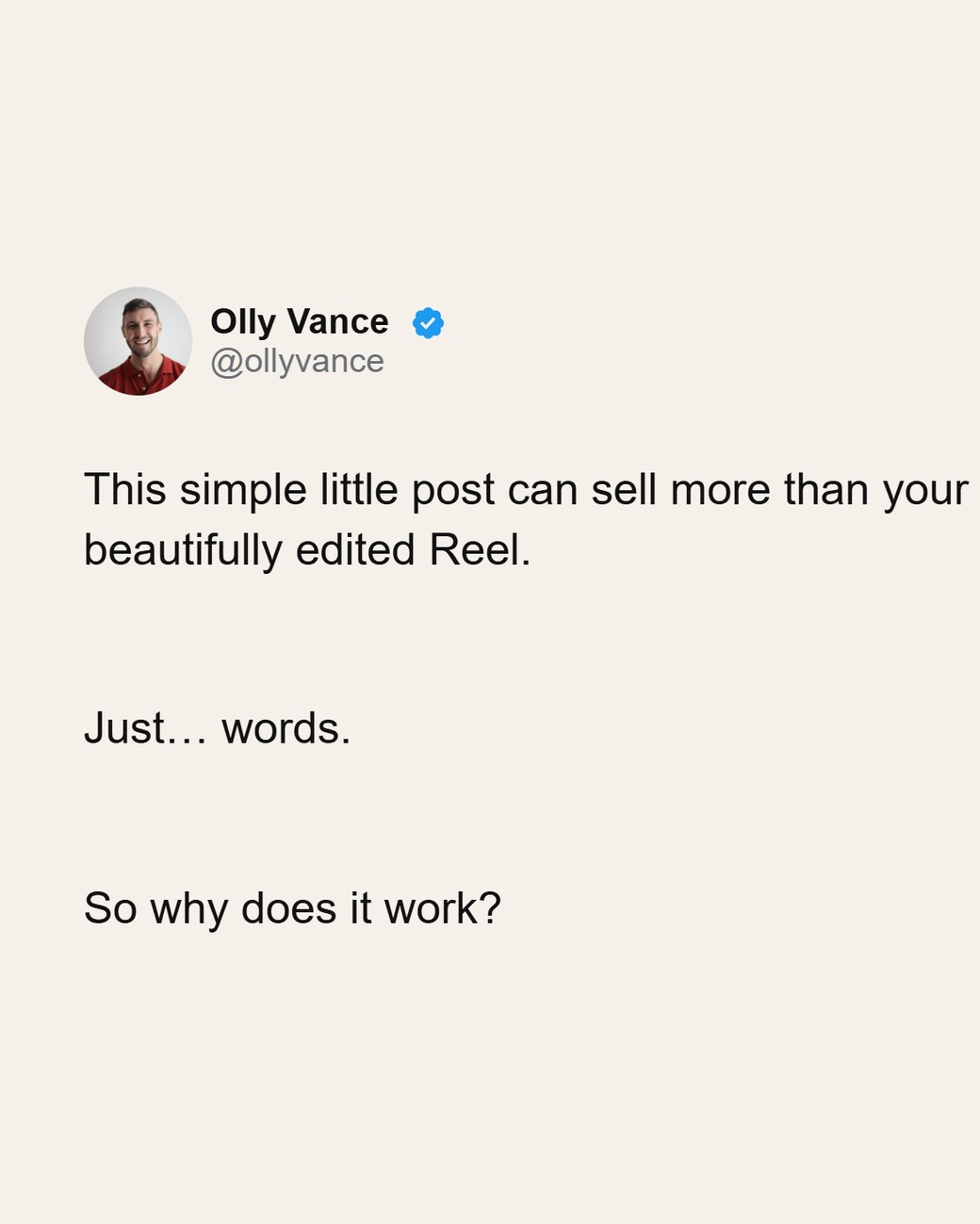
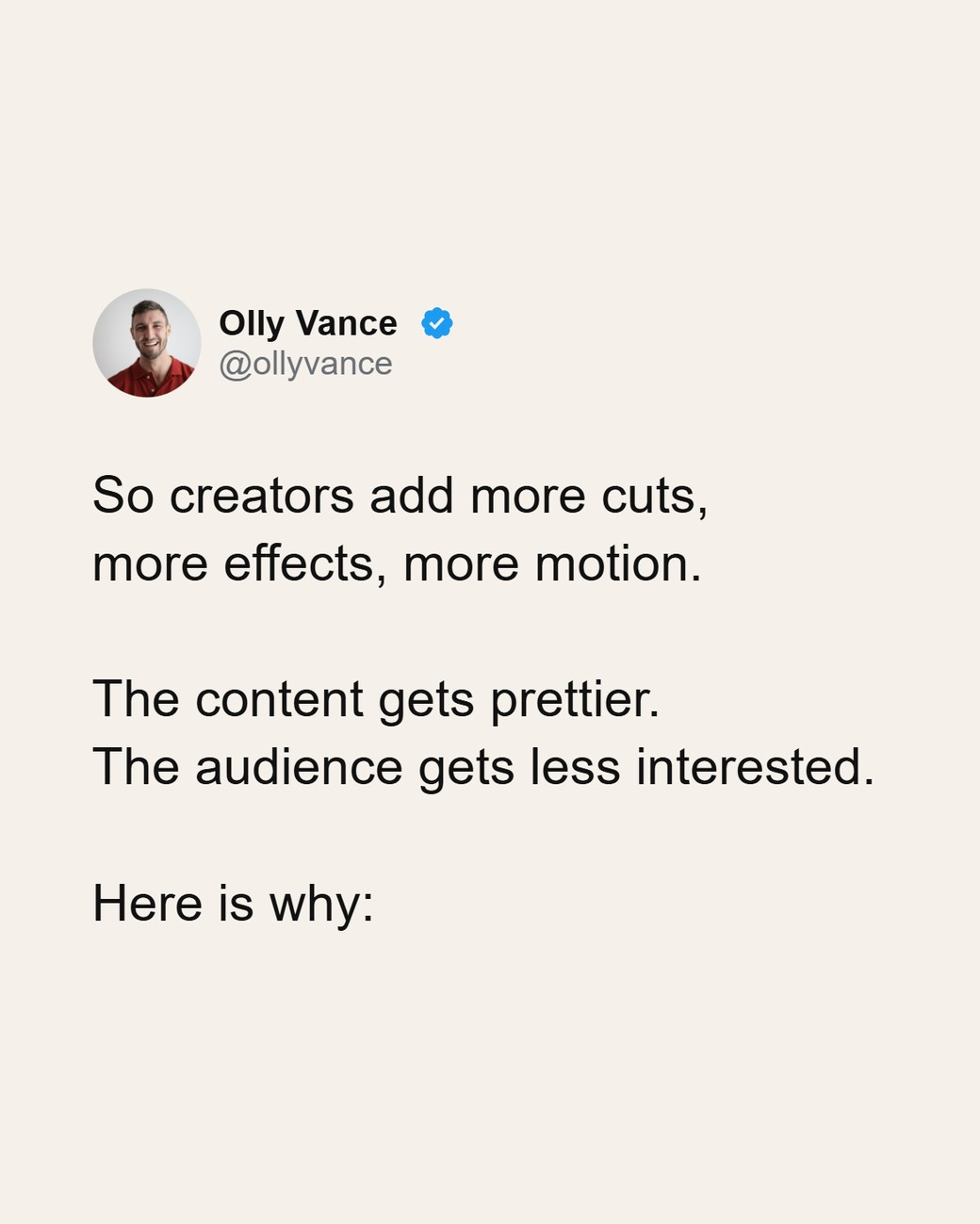
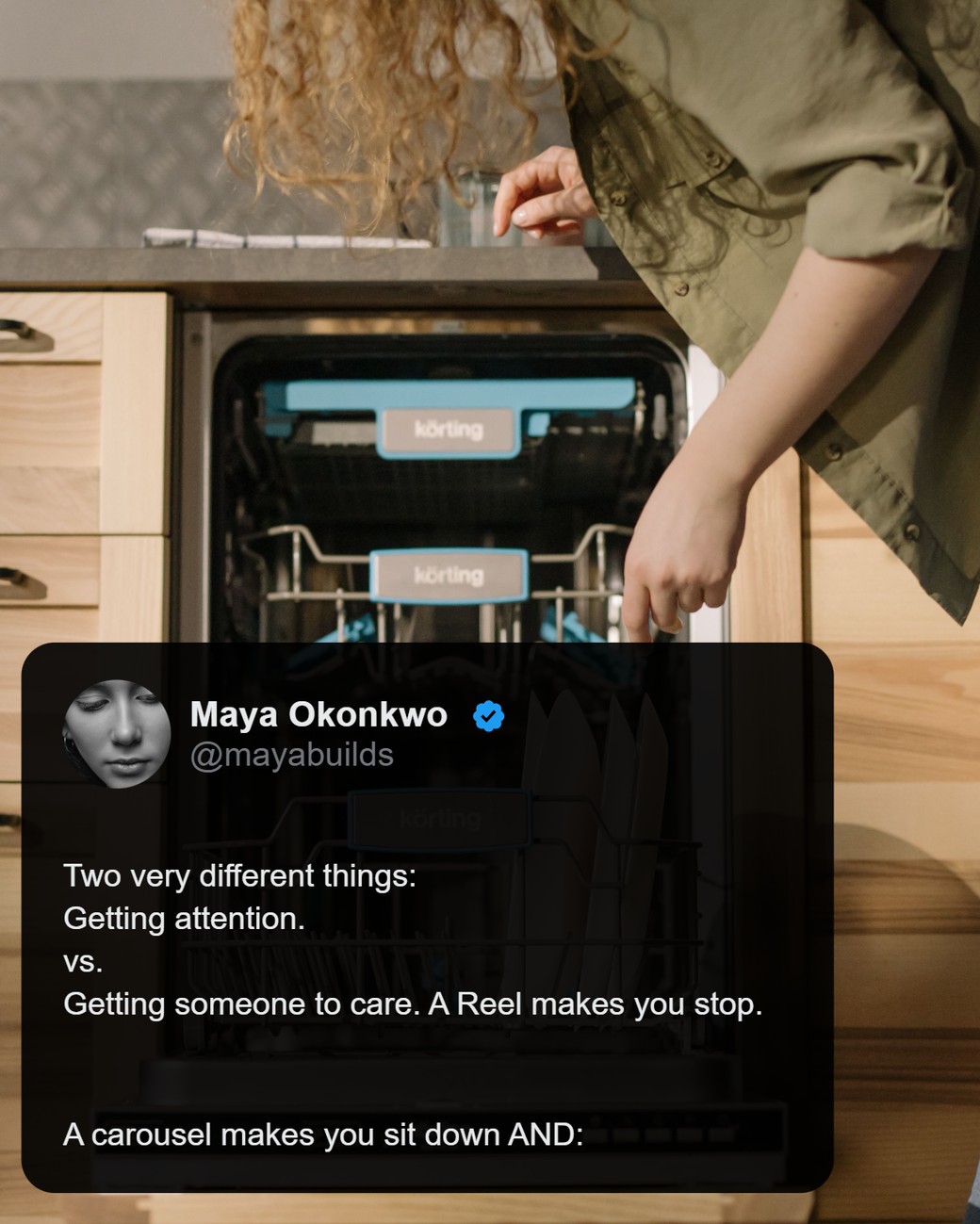
Screenshot tool or tweet-style maker: what's the difference?
A screenshot tool renders a published post from its link; a tweet-style maker lays out words you type or paste so they look like a post in your name.
A screenshot tool wins when:
- You want an exact image of a post that's already live on X.
- You're converting many published posts at once.
A tweet-style maker wins when:
- You want to edit the words before they go on a slide.
- The words were never posted on X: drafts, newsletter lines, LinkedIn posts.
- You want a long post or thread laid out as a carousel, in one look.
LightFit vs TwitterShots vs Hypefury Tweetshots
LightFit is for words you write or paste; TwitterShots works from an X post's link; Hypefury bundles Tweetshots into a scheduler.
| LightFit Studios | TwitterShots 1 | Hypefury (Tweetshots) 2 | |
|---|---|---|---|
| Where the text comes from | You write or paste it | Paste an X post URL or ID | Your posts in Hypefury, turned into images for Instagram |
| Import from an X link | ✗ No | ✓ Yes | Not stated as link import; built into its scheduler |
| Works for words never posted on X | ✓ Yes | ✗ No (needs a post URL or ID) | Not stated |
| Thread or long post across slides | ✓ Yes, up to 20 slides | ✓ "Split/unroll thread into images" (Pro) | Not stated |
| Output | PNG, 1170px wide | ✓ PNG (SVG/HTML on Business); thread as PDF | Images for Instagram (format not stated) |
| Sizes | 4:5, 1:1, 9:16, 16:9 | Auto, 1:1, 1.91:1, 4:5, 16:9, 9:16 (tweet-to-Instagram tool) | Not stated |
| Quote over a photo | ✓ Yes | Custom background image (Pro) | Not stated |
| Bulk / video / API | ✗ No | ✓ Bulk up to 30 (Pro+), tweet to video (Pro+), API credits | Not stated |
| Scheduling | ✗ No | Not stated | ✓ Yes: Bluesky, Threads, LinkedIn, Instagram, TikTok (no X) |
| Price | $100 once, lifetime | Pro $6.99/mo, Pro+ $12.99/mo, Business from $59/mo, billed monthly; the page says prices rise on Dec 31 (twittershots.com/pricing, checked 17 Oct 2026) | Monthly billing: Flexible $6/mo per channel (2 Tweetshots a day), Full $19/mo (5 Tweetshots a day) (hypefury.com/pricing, checked 17 Oct 2026) |
Sources, all checked 17 Oct 2026: 1 TwitterShots: twittershots.com/pricing (plans and features) and its tweet-to-Instagram tool (input, sizes, PNG). 2 Hypefury: hypefury.com/pricing. "Not stated" means the tool's own pages we read don't say.
TwitterShots wins on link import, bulk, video, PDF and an API. Hypefury wins on scheduling. LightFit wins if you write the words.
Why people look for a TwitterShots alternative
Most want carousels they can edit, not cropped screenshots of posts.
- Screenshots are fiddly. One builder described "screenshotting, cropping, fixing the background" as "such a time-sink" (r/Make; posted by the TwitterShots builder).
- Long posts and threads. "I see some people posting carousels on Instagram of basically a long X post/Tweet… I have looked online on how is it done but i failed to find good answer" (r/socialmedia).
- Threads in tools built for single posts. One writer "didn't want to manually screenshot his Thread tweets and then resize them for Instagram" (Orshot case study).
- Words that were never on X. A screenshot tool needs a published post. A tweet-style maker works from any text you write.
When TwitterShots is the better choice
Choose TwitterShots if you need an exact image of a published post, or automation.
- You want a faithful image of a live X post from its link.
- You convert many posts at once: bulk up to 30 tweets on Pro+.
- You want tweet-to-video, a thread saved as PDF, or an API.
(All per twittershots.com/pricing, checked 17 Oct 2026.) LightFit does none of these.
Looking for a Hypefury Tweetshots alternative?
LightFit makes tweet-style images and carousels from text you paste, without a scheduler subscription.
Hypefury's pricing FAQ now says "Hypefury no longer supports 𝕏". Its plans still include Tweetshots, with a daily limit, and scheduling to Bluesky, Threads, LinkedIn, Instagram and TikTok (hypefury.com/pricing, checked 17 Oct 2026). See the price row in the table for the plans.
- LightFit fits if you want tweet-style images or carousels without a scheduler subscription, and you're fine writing or pasting the text.
- Stay on Hypefury if you want scheduling and auto-posting to Instagram.
- Want an X scheduler? LightFit isn't one.
How to turn a tweet or thread into a carousel in LightFit
Paste the words, check your look, export PNG slides, and upload them as a carousel.
- Paste or type the post. Use one post per slide, or split a long post across slides.
- Your name, handle and photo come from your preset.
- Pick the size: 4:5 for the Instagram feed.
- Export the PNG slides.
- Upload them in order as one carousel.
Keep it to your own words. For the full walk-through, read how to turn an X thread into an Instagram carousel. For the product, see the tweet-style carousel maker.
Export and sizes
LightFit exports PNG only, 1170px wide, in four sizes, up to 20 slides.
- Sizes: 4:5, 1:1, 9:16 and 16:9.
- Slides: up to 20 per carousel.
- Not included: no PDF, no video, no link import.
About AI
LightFit draws slides in your browser from your words and photos. No image model is involved, and there's no AI in the exported file. Optional AI help is available in the app if you want it. Platforms make their own labelling decisions; read why your carousel got an "AI info" label.
Price: once vs monthly
LightFit is $100 once for lifetime access; TwitterShots and Hypefury are monthly plans.
- Tax: the price excludes any sales tax or VAT, which is calculated at checkout.
- "Lifetime" means for as long as LightFit Studios runs the service.
- Refund: full refund within 14 days (refunds policy).
- Payment: lifetime access is $100, paid once, and turns on right after payment.
TwitterShots and Hypefury prices are in the table, as seen on their own pages. For the full breakdown, see the carousel maker lifetime deal.
One payment. Nothing renews. Full refund within 14 days.
Other tools people use for tweet images
A few other tools turn posts into images; each works from a published post.
- Notes2Pic turns public X posts, Threads and Substack Notes into images and carousels; carousels download as a zip of PNGs (notes2pic.com).
- tweet.download rebuilds a public X post from its link, as PNG, JPG, WebP or video (tweet.download).
- X2Image adds a "Convert to Image" button inside X (x2image.app).
- SwipeThread exports PNG, PDF or ZIP at 1080×1350 (swipethread.com).
- TweetPik: TwitterShots' own page says it's no longer actively maintained; that's TwitterShots' claim (TwitterShots, checked 17 Oct 2026).
All checked 17 Oct 2026. Comparing more broadly? See the best carousel maker roundup, or the Canva alternative for carousels if you build them from templates.
FAQ
What's a good TwitterShots alternative?
It depends whether you need link import. If you write or paste your own words and want tweet-style carousels, LightFit Studios fits. If you need exact screenshots from a link, bulk conversion or an API, TwitterShots is built for that.
Can LightFit import a tweet from a link?
No. You write or paste the text. That also means it works for drafts and posts that were never on X.
Is there an alternative to Hypefury Tweetshots now that Hypefury dropped X?
Yes. Hypefury's pricing page says it no longer supports X. LightFit makes tweet-style images and carousels from text you paste, paid once, without a scheduler.
How do I turn a thread into an Instagram carousel without screenshots?
Paste each post onto its own slide, export PNG slides at 4:5, and upload them in order as one carousel. Our X-thread guide walks through it.
Can I pay once for a tweet image maker?
Yes. LightFit is $100 once for lifetime access. TwitterShots and Hypefury sell monthly plans; see their pricing pages.
What sizes and formats does LightFit export?
PNG only, 1170px wide, in 4:5, 1:1, 9:16 and 16:9, up to 20 slides. No PDF or video.
Does LightFit use AI?
No image model is involved and there's no AI in the exported file: slides are drawn in your browser from your words and photos. Optional AI help is available in the app.
What happens when I buy?
Lifetime access is $100, paid once, and turns on right after payment. Nothing renews, and there's a full refund within 14 days.
Your posts, as tweet-style slides in your name. Pay once.
One payment. Nothing renews. Full refund within 14 days.