Tweet-style carousel maker
Turn your posts into slides that look like tweets, for Instagram, LinkedIn, X and Threads.
Write or paste each tweet onto its own slide, add your name, handle and photo, and pick 4:5 for Instagram. Then export the slides as PNGs and upload them as one carousel. LightFit Studios is a tweet-style carousel maker that does all of this in your browser. Lifetime access is $100, paid once.
What a tweet-style carousel is
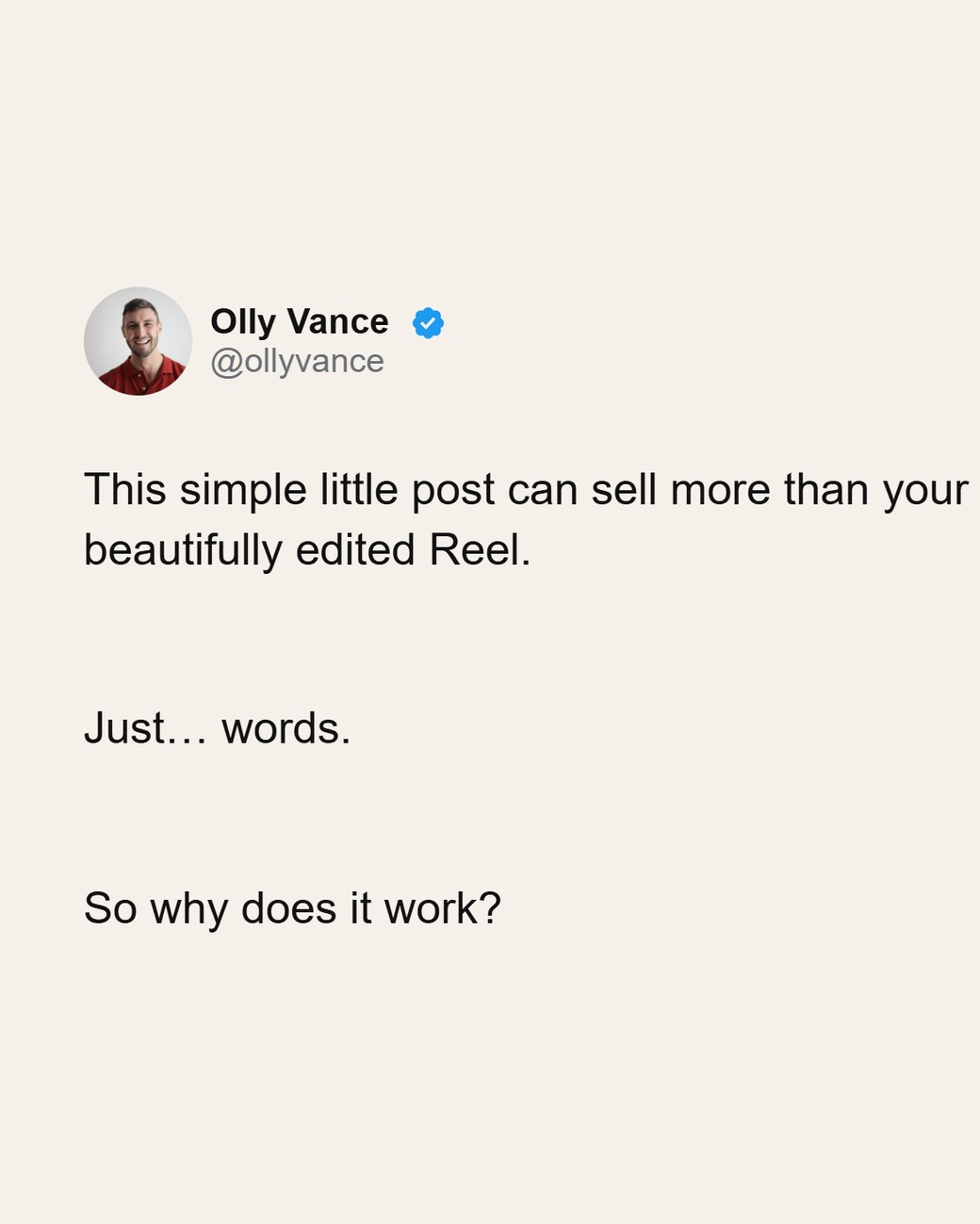
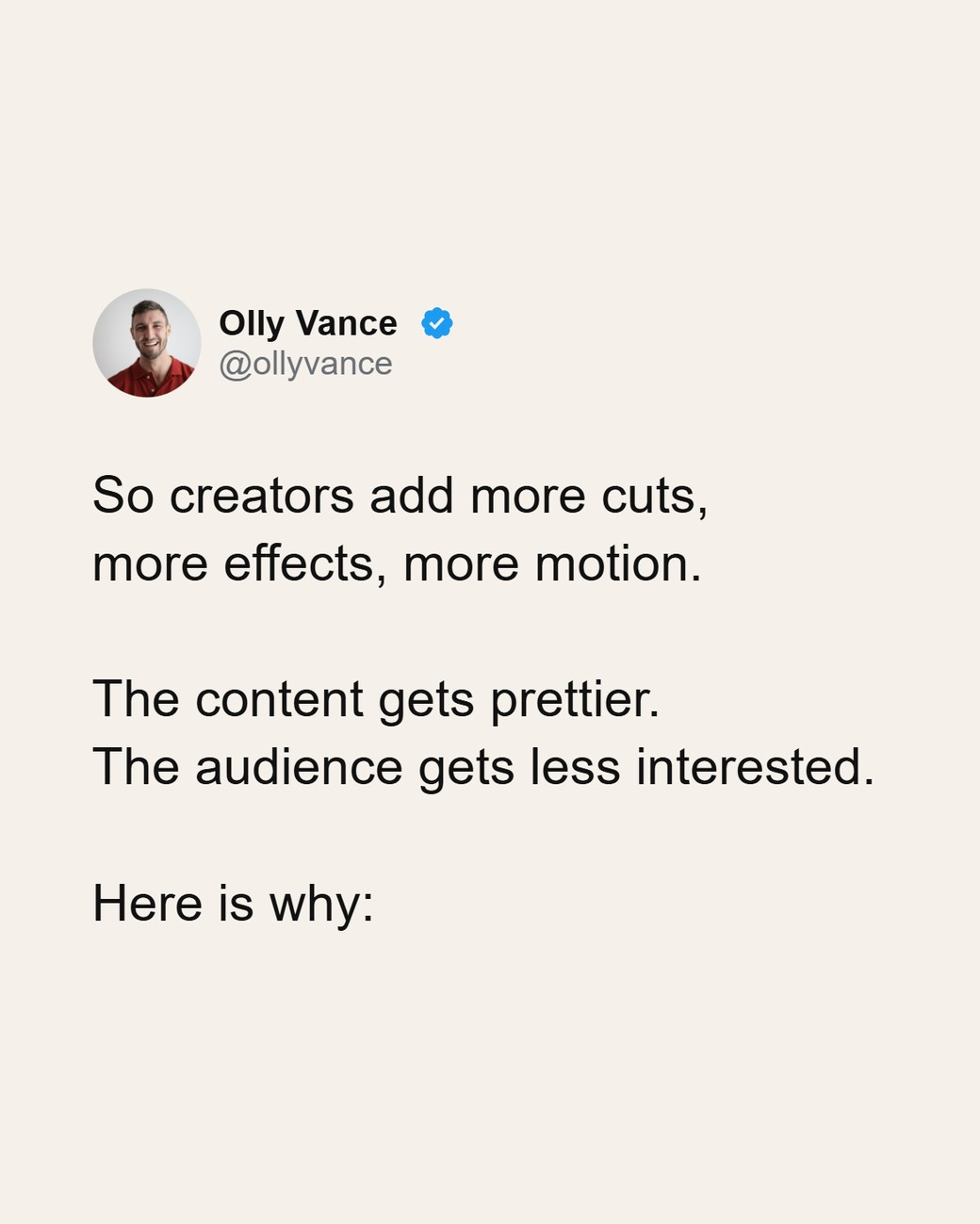
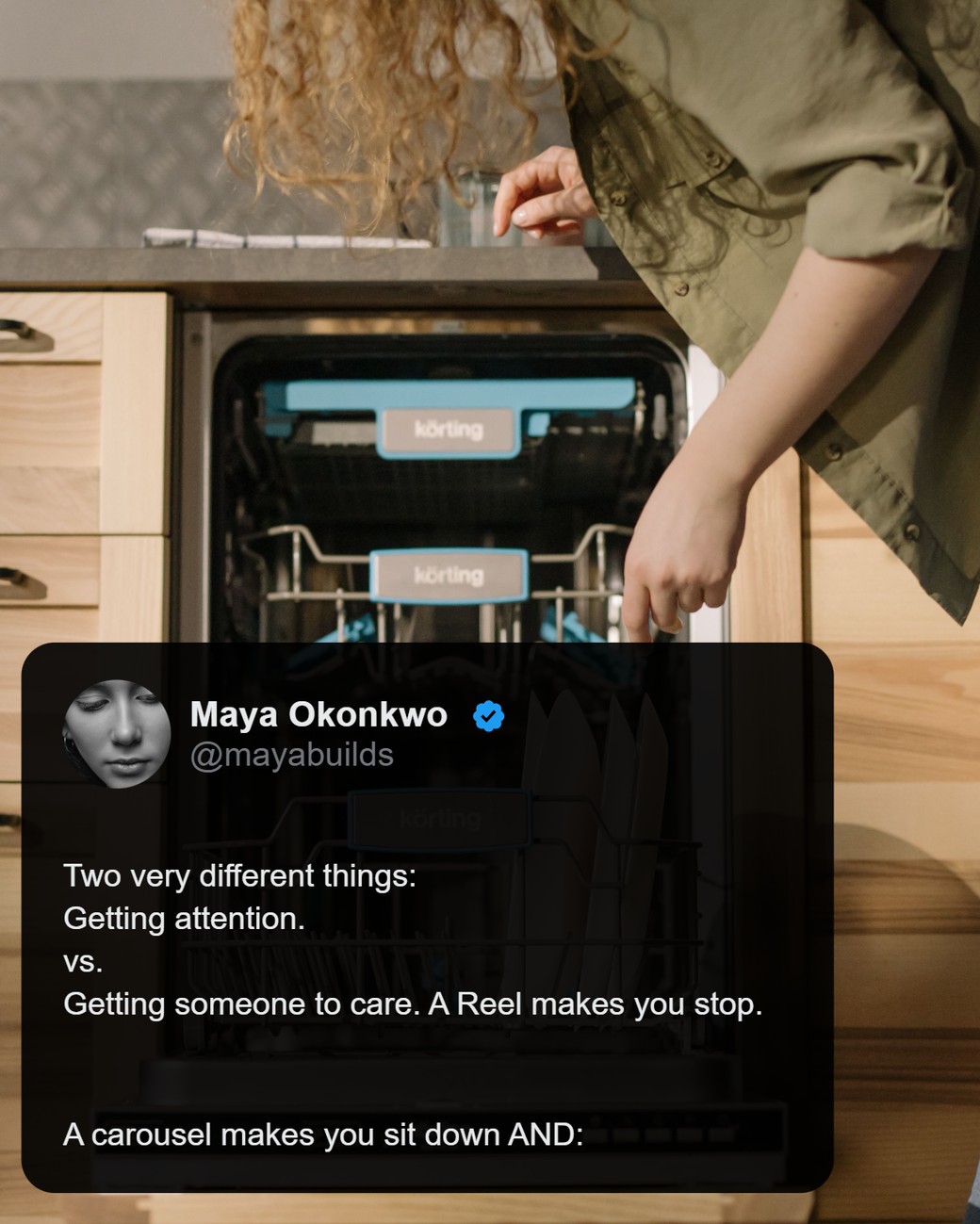
A tweet-style carousel is a set of text-first slides that look like a post on X: your name, handle and photo at the top, one idea per slide. People swipe them like a thread. You don't need a design background to make one look clean, because the format already does the work. The words carry the post.
How to make one in LightFit, in 3 steps
Open the studio, type your post, export the slides. That's the whole process.
1. Write or paste your text
Type straight onto the slide, one idea a slide, or paste text you've already written. You type or paste every word yourself. LightFit doesn't import from an X link and doesn't rewrite your text.
2. Set your look
Add your name, handle and photo so every slide reads as yours. Pick a preset to change the whole look in one click, switch to Night for a dark version, and choose a font. Every setting sits in one panel on the right.
3. Export PNGs and post
Every slide downloads as a PNG, 1170px wide and sized for the feed. Upload them in order as one carousel post. With lifetime access you can also send the slides to your own inbox and post from your phone.
Turning a whole X thread into slides? Follow the step-by-step guide.
Sizes for Instagram, LinkedIn, X and Threads
For Instagram, use 4:5 portrait. It's the size Instagram shows largest in the feed. LightFit also makes square 1:1, story 9:16 and landscape 16:9.
- Instagram: up to 20 photos in one carousel, and every slide uses the same orientation (Instagram Help Center). LightFit carousels go up to 20 slides with lifetime access.
- Threads: 2–20 images in one post, and the first image sets the ratio for the rest (xcarousel). Keep every slide the same size.
- LinkedIn: upload the PNGs as a multi-image post. LinkedIn's swipeable "document" carousel needs a PDF (socialscheduler.ai), and LightFit exports PNG only, not PDF. Square 1:1 and landscape 16:9 suit LinkedIn and X.
- X: post the PNGs as images. 1:1 and 16:9 fit the timeline well.
What $100 lifetime includes
One payment of $100 gets you everything in the studio.
Lifetime, $100 once:
- Unlimited exports
- Up to 20 slides, in every aspect ratio (4:5, 1:1, 9:16, 16:9)
- The full design panel: colours, gradients, fonts, spacing, layers
- Presets and defaults, so every new post opens in your look
- Dark mode (Night), any Google font by name, or your own font file
- Your work saved as you go, on every browser you sign in on
- Send slides to your email
- One payment. Nothing renews, nothing to cancel, and a full refund within 14 days (refunds policy)
Why not just screenshot tweets or use Canva?
You can do both, but each takes more work for this job. Screenshots mean cropping out status bars, matching backgrounds and fixing uneven sizes, one image at a time. A screenshot tool and a tweet-style maker do different jobs; the TwitterShots alternative page says when each one fits. Canva is a general design tool: it can make a carousel, and it can also make a poster or a deck, so you're placing and lining up elements yourself. LightFit only makes carousels. Every post starts finished, in your name, and the layout is proportional, so there's nothing to align by hand.
No AI in the file
LightFit draws your slides in the browser from the words and photos you add. No image model is involved. Each platform makes its own labelling calls. If you've seen an "AI info" label on a carousel and want to know why, read why your carousel got an "AI info" label.
FAQ
What do I get for $100?
Lifetime access: unlimited exports, up to 20 slides in every aspect ratio (4:5, 1:1, 9:16, 16:9), the full design panel, presets and defaults, Night mode, Google fonts or your own font file, work saved on every browser you sign in on, and send to email.
Can I import a thread from an X link?
No. You type or paste the text into the studio yourself, one idea per slide. LightFit doesn't fetch posts from X.
What size should a tweet carousel be for Instagram?
4:5 portrait. It's the size Instagram shows largest in the feed. LightFit exports each slide as a PNG 1170px wide.
Does it work for LinkedIn?
Yes, as PNG images in a multi-image post. LightFit doesn't export PDFs, so it can't make LinkedIn's swipeable document carousel.
Is there AI in the exported file?
No image model is involved. Your slides are drawn in your browser from the words and photos you add.
How many slides can a carousel have?
Up to 20 slides with lifetime access. Instagram also allows up to 20 images in one carousel.
How much does it cost?
$100 once. Nothing renews. Full refund within 14 days.