The best carousel maker for Instagram and LinkedIn, by how you work
Eight tools compared on who writes the words, export, scheduling and price. We make LightFit; here's where it fits and where it doesn't.
The best carousel maker depends on how you work. If you want slides written for you, pick an AI generator like aiCarousels or PostNitro. For full design control, pick Canva. For teams and bulk, Contentdrips. If you write your own tweet-style or quote-over-photo carousels and want to pay once, LightFit Studios is $100 for lifetime access.
We make LightFit Studios, one of the tools on this list. Prices and features were checked on 17 Oct 2026 from each tool's own site, and every competitor fact links to that page.
- Tweet-style or quote-over-photo carousels in your own words, paid once → LightFit Studios
- General design and full manual control → Canva
- Slides drafted from a topic, link, video or PDF → aiCarousels or PostNitro
- Teams, bulk or CSV → Contentdrips
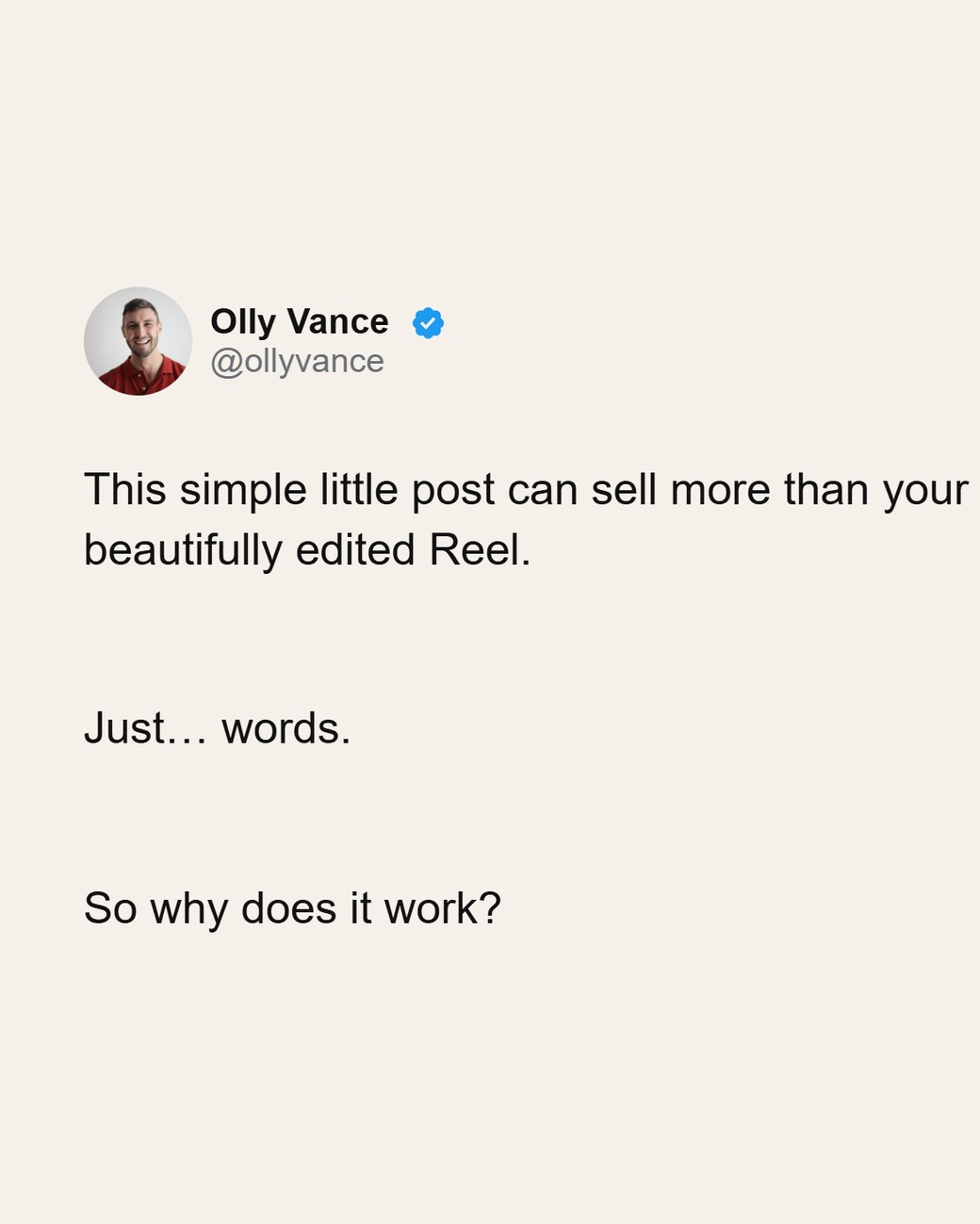
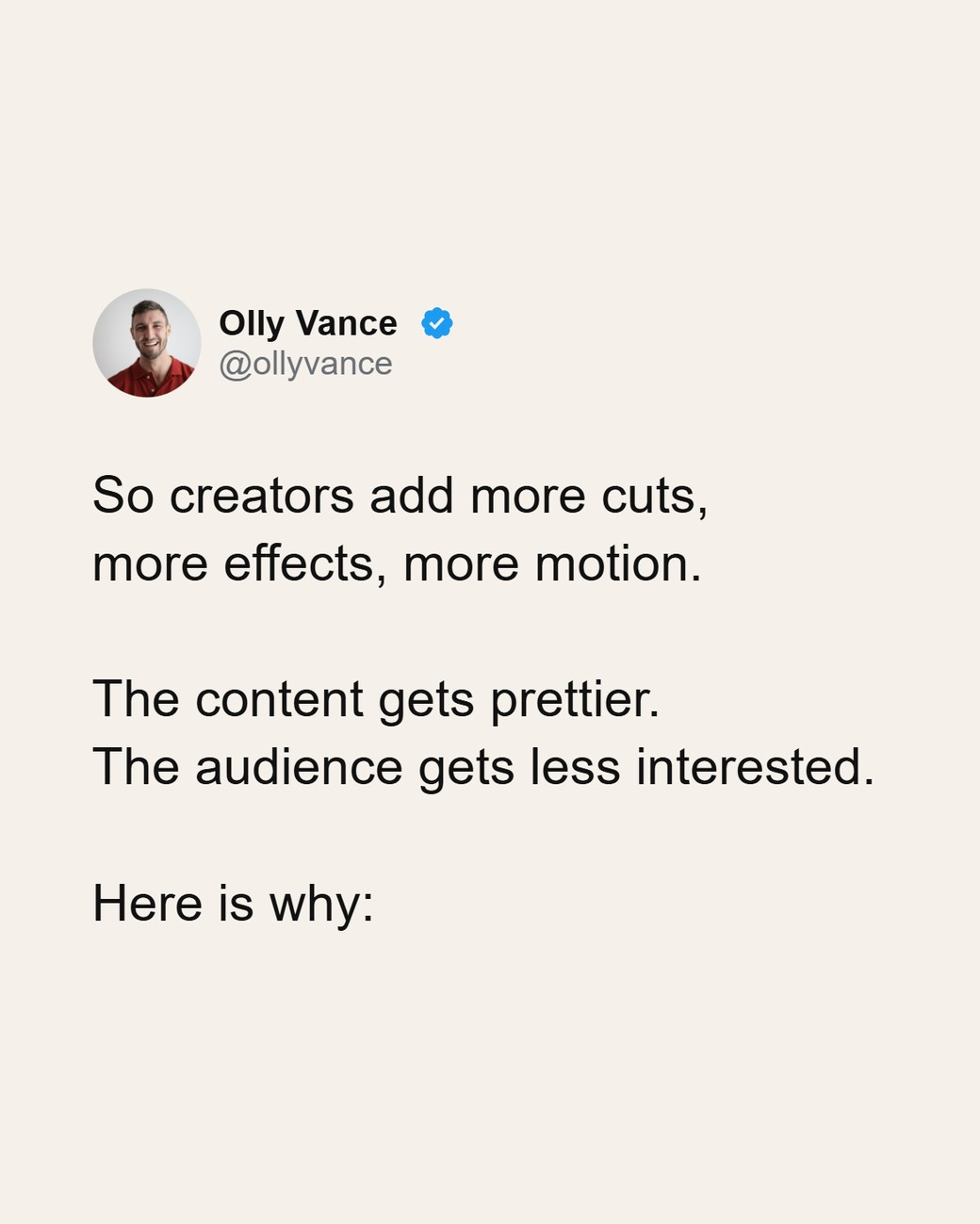
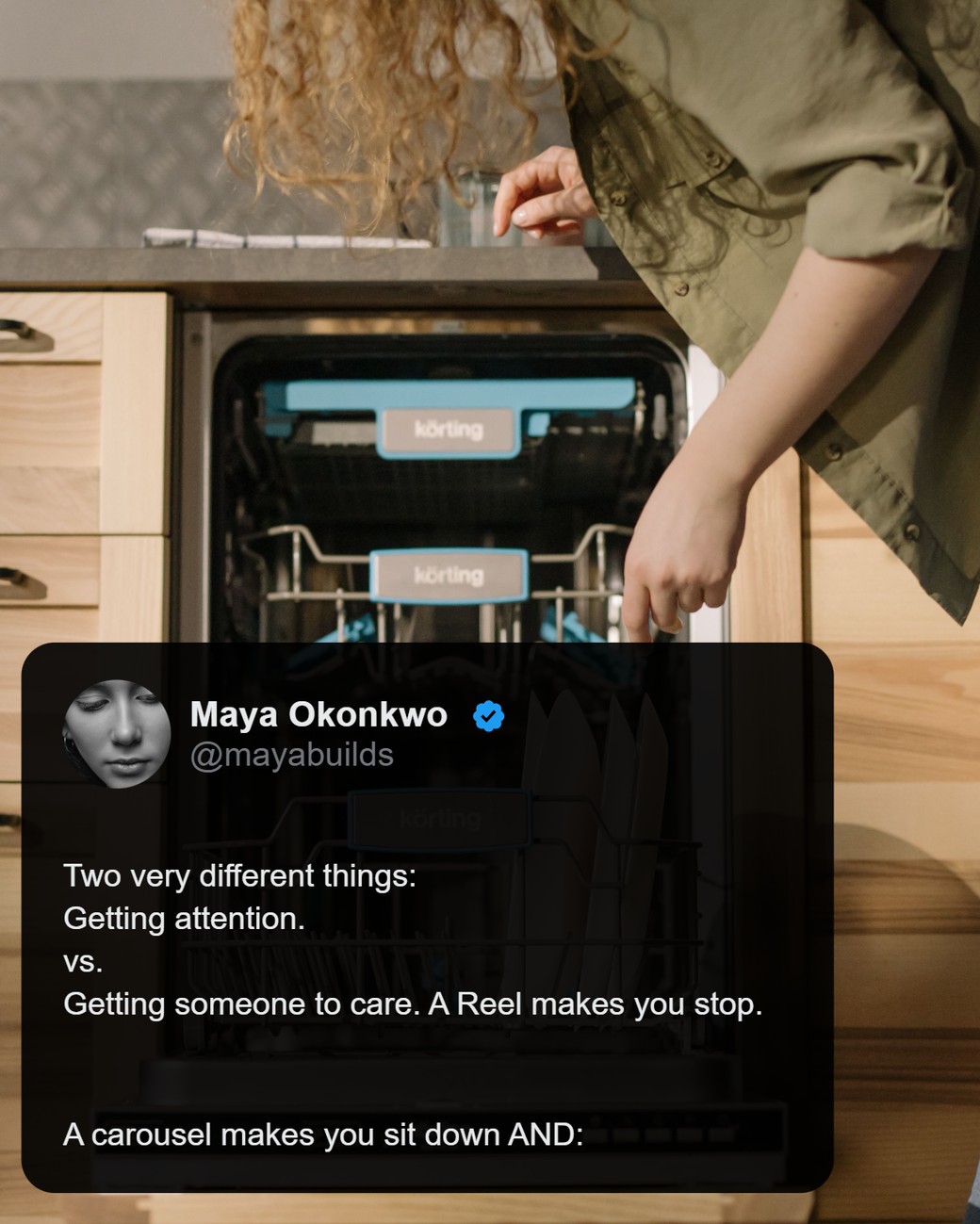
If you want tweet-style or quote-over-photo carousels, paid once:
One payment. Nothing renews. Full refund within 14 days.
Quick picks by use case
Pick the tool that matches how you make carousels.
- Tweet-style or quote-over-photo carousels in your own words, paid once: LightFit Studios
- General design and full manual control: Canva
- Slides drafted from a topic, link, video or PDF: aiCarousels or PostNitro
- AI carousels plus scheduling: PostNitro
- Teams, bulk or CSV: Contentdrips
- LinkedIn-first, with writing and scheduling: Postiv (Postiv, checked 17 Oct 2026)
- An AI image on every slide: Caruva (Caruva, checked 17 Oct 2026)
- Another pay-once option: carouselmaker.com
Comparison table
Most tools here write with AI and charge monthly; two can be bought once.
Last checked: 17 Oct 2026. "Not stated" means the tool's own pages we read don't say.
| Tool | Best for | Who writes the words | Import from a link | Export | Scheduling | Price seen (checked 17 Oct 2026) |
|---|---|---|---|---|---|---|
| LightFit Studios | Tweet-style and quote-over-photo, pay once | You (optional AI help in the app) | No | PNG only, 1170px wide | No | $100 once, lifetime (pricing) |
| Canva | General design | You | Not stated | PDF and other formats (Canva Help Center) | Not stated | Pro US$144/year for one person, on yearly billing (canva.com/pricing, checked 17 Oct 2026) |
| aiCarousels | Drafts from a topic or link | AI | Website, YouTube, PDF | PDF for LinkedIn; other formats not stated | Not stated | $15/mo, or about $10/mo billed annually (its own blog, checked 17 Oct 2026) |
| PostNitro | AI plus scheduling | AI | URL, X thread | PNG, PDF | Yes, higher plans | From $15/mo (pricing) |
| Contentdrips | Teams, bulk | AI | Blog, YouTube, CSV | PNG, PDF | Yes, paid plans | From $15/mo (pricing) |
| Postiv | LinkedIn suite | AI | Not stated | Not stated | Yes | From $49.50/mo on yearly billing (pricing) |
| Caruva | An AI image per slide | AI | Not stated | Not stated | Not stated | From €9/mo (pricing) |
| carouselmaker.com | Pay once | AI credits | Not stated | Not stated | Not stated | $199 one-time, or $14.99/mo (pricing) |
The tools, one by one
Each tool below has the same four parts: what it is, who it's for, the catch, and the price we saw on its own site on 17 Oct 2026.
1. LightFit Studios: for tweet-style and quote-over-photo carousels you write yourself, paid once
LightFit Studios is best for people who write their own posts and want them on finished slides.
- What it is: a carousel studio in your browser. You type or paste your words, and every post starts finished in your name. The layout is proportional, so there's nothing to align. Presets and defaults open every post in your look. Use any Google font by name, or your own font file. It exports PNG slides, 1170px wide, in 4:5, 1:1, 9:16 and 16:9, up to 20 slides. No image model is involved, and there's no AI in the exported file. Optional AI help is available in the app.
- Who it's for: creators, coaches and founders who post tweet-style carousels or quotes over their own photos every week.
- The catch: no PDF export, no import from X or any link, no scheduling, and it doesn't write for you.
- Price: $100 once for lifetime access. Nothing renews. Full refund within 14 days.
2. Canva: for general design and full manual control
Canva is best when you need more than carousels.
- What it is: a general design tool with a huge template library. It also makes posters, decks and video. It can download a design as a PDF (Canva Help Center, checked 17 Oct 2026).
- Who it's for: people who want full control over every element, or who design many formats.
- The catch: it can be slow for carousel-only work. One user wrote: "Canva takes too long to design" (r/content_marketing). Another: "Creating a great carousel takes hours" (r/LinkedInTips). Those are individual reports.
- Price: Canva Pro is US$144/year for one person and Canva Business is US$250/year per person, on the yearly tab (canva.com/pricing, checked 17 Oct 2026).
More: Canva alternative for carousels.
3. aiCarousels: for drafting carousels from a topic, text, website, YouTube video or PDF
aiCarousels is best when you want the slides drafted for you.
- What it is: an AI carousel generator. Inputs include a topic, text, a website, a YouTube video or a PDF, and it offers a PDF download for LinkedIn (aicarousels.com, checked 17 Oct 2026).
- Who it's for: people who start from an idea or an existing piece of content, not a finished draft.
- The catch: AI-written slides can read generic. One user found the designs "look basic" (r/content_marketing).
- Price: $15/month, or as low as $10/month billed annually, per aiCarousels' own blog (checked 17 Oct 2026; aiCarousels publishes no public pricing page)
More: aiCarousels alternative.
4. PostNitro: for AI carousels plus scheduling
PostNitro is best if you want AI carousels and scheduling in one tool.
- What it is: takes a topic, URL, X thread or text, and exports PNG or PDF. Scheduling is on higher plans (PostNitro review page, checked 17 Oct 2026).
- Who it's for: creators who want drafting and posting handled together.
- The catch: AI writes the first draft, and it's a monthly plan.
- Price: Starter $15/mo, Creator+ $30/mo, Team+ $60/mo (postnitro.ai/pricing, checked 17 Oct 2026).
5. Contentdrips: for teams and bulk
Contentdrips is best for teams and bulk creation.
- What it is: generates carousels from blogs, YouTube, CSV and text. Exports PNG and PDF, and publishes to LinkedIn and Instagram on paid plans (Contentdrips, checked 17 Oct 2026).
- Who it's for: teams and anyone turning lots of content into carousels.
- The catch: more tool than a solo writer may need, billed monthly.
- Price: Starter $15/mo, Pro $26/mo, billed monthly (contentdrips.com/pricing, checked 17 Oct 2026).
6. Postiv: for LinkedIn-first creators who want writing and scheduling in one suite
Postiv is best if LinkedIn is your main channel.
- What it is: a LinkedIn suite with writing and scheduling.
- Who it's for: LinkedIn-first creators who want one tool for the whole workflow.
- The catch: it's a suite, priced like one.
- Price: on the yearly tab, Creator Pro $49.50/mo (billed $594/yr), Team $159/mo (billed $1,908/yr) (postiv.ai/pricing, checked 17 Oct 2026).
7. Caruva: for an AI image on every slide
Caruva is best if you want AI imagery on each slide.
- What it is: an AI tool that puts an AI-generated image on every slide.
- Who it's for: people who want a visual on every slide without sourcing photos.
- The catch: the images are AI-made, which not everyone wants.
- Price: Starter €9/mo, Pro €19/mo, Studio €39/mo (caruva.app/pricing, checked 17 Oct 2026).
8. carouselmaker.com: another pay-once option
carouselmaker.com is the other tool here you can buy once.
- What it is: a carousel maker that uses AI credits.
- Who it's for: people who want a one-time purchase and AI help with the writing.
- The catch: export formats, link import and scheduling aren't stated on the pricing page we read.
- Price: $14.99/mo, $59.99/yr, or $199 one-time lifetime (carouselmaker.com/pricing, checked 17 Oct 2026).
LightFit differs on the looks (tweet-style and quote over a photo) and on writing your own words.
How to choose
Answer four questions and the list narrows fast.
- Who writes the words? If AI should, pick aiCarousels, PostNitro, Contentdrips or Caruva. If you do, pick LightFit or Canva.
- Do you need a LinkedIn PDF document post? Pick a tool that exports PDF: aiCarousels, PostNitro, Contentdrips or Canva. LightFit doesn't.
- Do you need scheduling? PostNitro, Contentdrips and Postiv offer it. LightFit doesn't.
- Monthly or once? LightFit ($100) and carouselmaker.com ($199) can be bought once. The rest listed here are subscriptions.
Instagram vs LinkedIn: what changes
Instagram takes image slides; LinkedIn takes a multi-image post or a PDF document post.
- Instagram: upload image slides as one carousel. 4:5 portrait shows largest in the feed.
- LinkedIn: upload images as a multi-image post, or a PDF as a document post.
LightFit's PNGs work as an Instagram carousel or a LinkedIn multi-image post. For a LinkedIn PDF document post, use a tool that exports PDF. For sizes, see how to turn an X thread into an Instagram carousel.
About AI in carousel makers
Most tools on this list write with AI; LightFit doesn't write for you.
LightFit draws slides in your browser from your words and photos. No image model is involved, and there's no AI in the exported file. Optional AI help is available in the app if you want it. Platforms make their own labelling decisions; read why your carousel got an "AI info" label.
FAQ
What is the best carousel maker for Instagram?
It depends on how you work. AI generators like aiCarousels and PostNitro draft slides for you. Canva gives full design control. LightFit Studios is for tweet-style and quote-over-photo carousels you write yourself, paid once.
What is the best carousel maker for LinkedIn?
If you need a PDF document post, pick a tool that exports PDF, such as aiCarousels, PostNitro or Contentdrips. LightFit's PNGs work as a LinkedIn multi-image post, not a PDF.
Which carousel maker can I pay for once?
LightFit Studios is $100 once for lifetime access. carouselmaker.com also lists a $199 one-time option. Most others are monthly.
What's the best tool for tweet-style carousels?
LightFit is built for it. You write or paste the text, since there's no X import, and every slide looks like a post in your name.
Is Canva good for carousels?
Yes, for design control and variety. Some users find it slow for repeated text-first carousels.
What's the best AI carousel generator?
It depends on the focus: aiCarousels drafts from a topic or link, PostNitro adds scheduling, Contentdrips suits teams and bulk, and Caruva puts an AI image on every slide. LightFit is a write-it-yourself tool, and no image model is involved.
Does LightFit use AI?
No image model is involved and there's no AI in the exported file: slides are drawn in your browser from your words and photos. Optional AI help is available in the app.
What happens when I buy LightFit?
Lifetime access is $100, paid once, and turns on right after payment. Nothing renews, and there's a full refund within 14 days.
Want tweet-style or quote-over-photo carousels, paid once?
One payment. Nothing renews. Full refund within 14 days.