Carousel maker lifetime deal: pay once, no subscription
Lifetime access to LightFit Studios is $100, one payment. Nothing renews and there's nothing to cancel.
Yes, there are carousel makers without a subscription. LightFit Studios is $100 once for lifetime access: unlimited exports, up to 20 slides, four sizes, presets and your own fonts. Nothing renews, and there's a full refund within 14 days. Access turns on right after payment.
$100one payment. Excludes any sales tax or VAT, which is calculated at checkout.
Lifetime access is $100, paid once, and turns on right after payment. Nothing renews. Full refund within 14 days.
What you get for $100
One payment gets you everything in the studio, with no limits on exports.
- Unlimited exports.
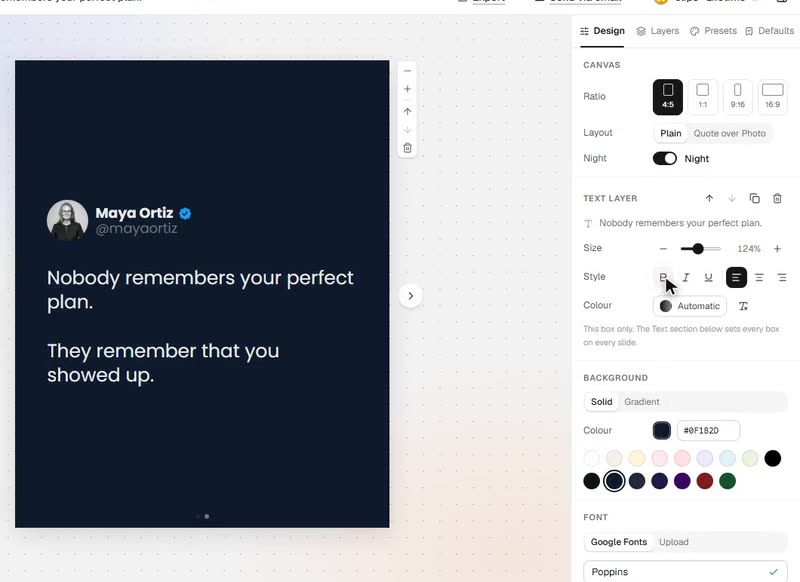
- Up to 20 slides, in every aspect ratio: 4:5, 1:1, 9:16 and 16:9.
- The full design panel: colours, gradients, fonts, spacing and layers.
- 8 presets, plus your own defaults, so every new post opens in your look.
- Night (dark) mode.
- Google fonts by name, or your own font file.
- Your work saved as you go, on every browser you sign in on.
- Send posts to your email.
- No renewal, nothing to cancel.
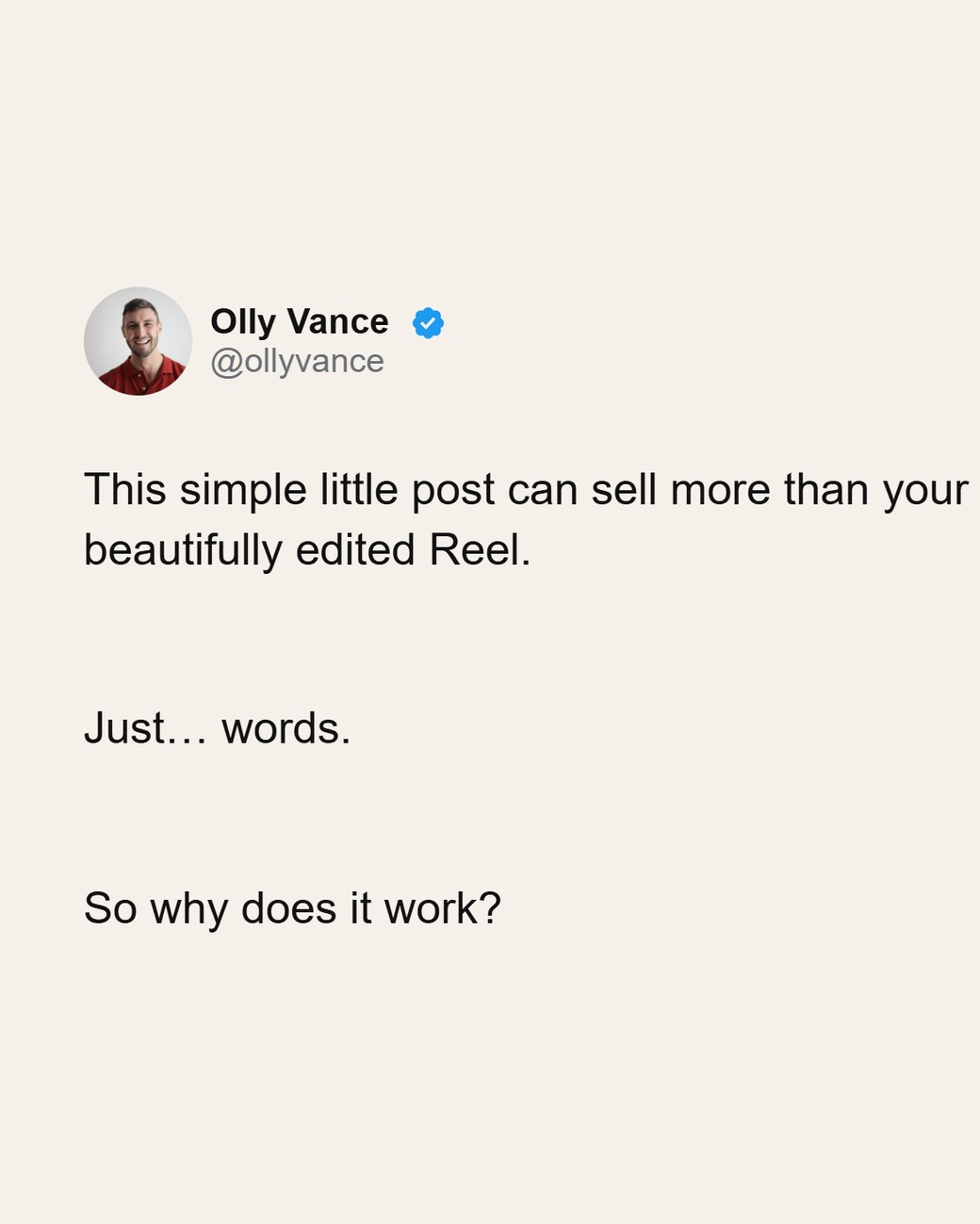
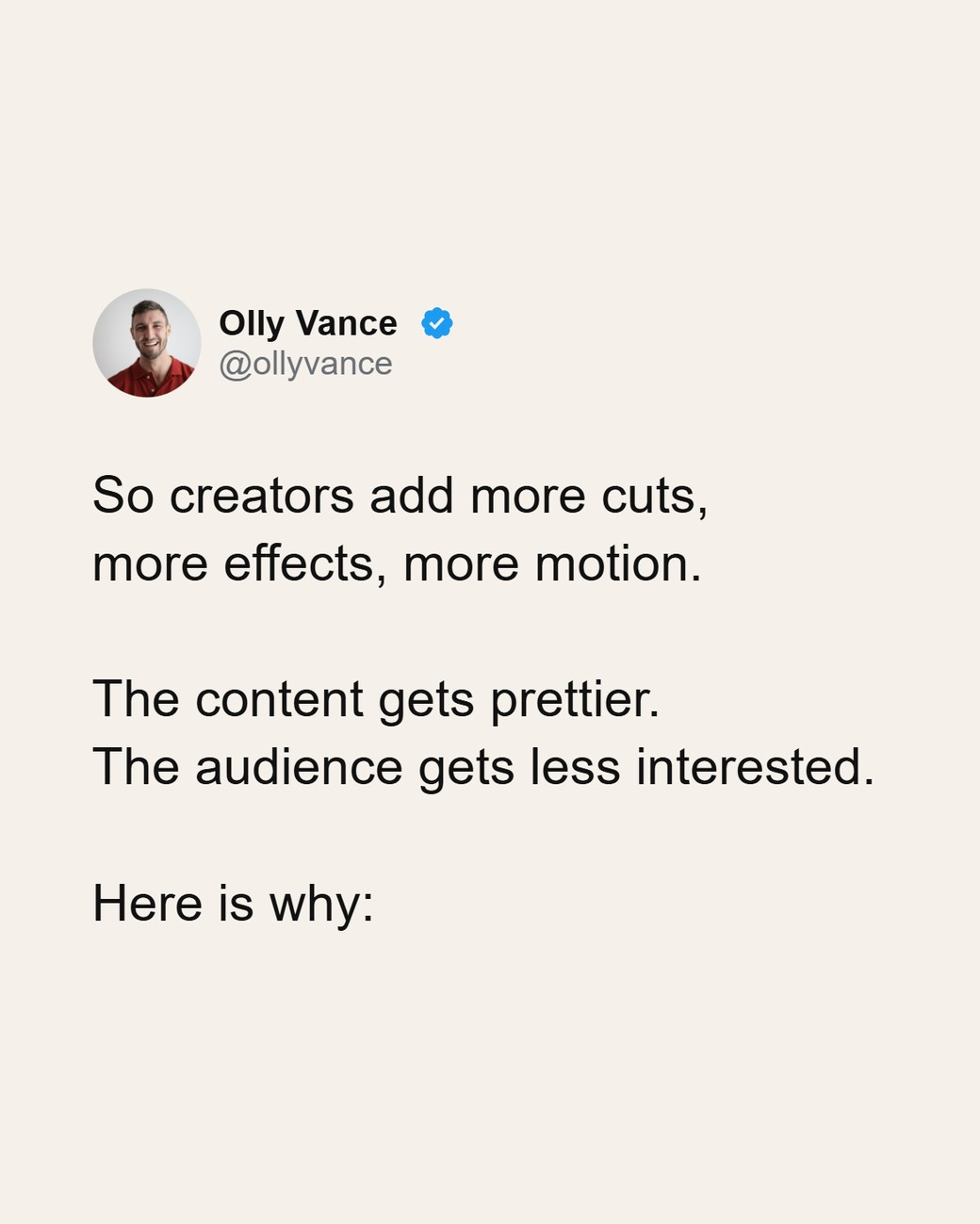
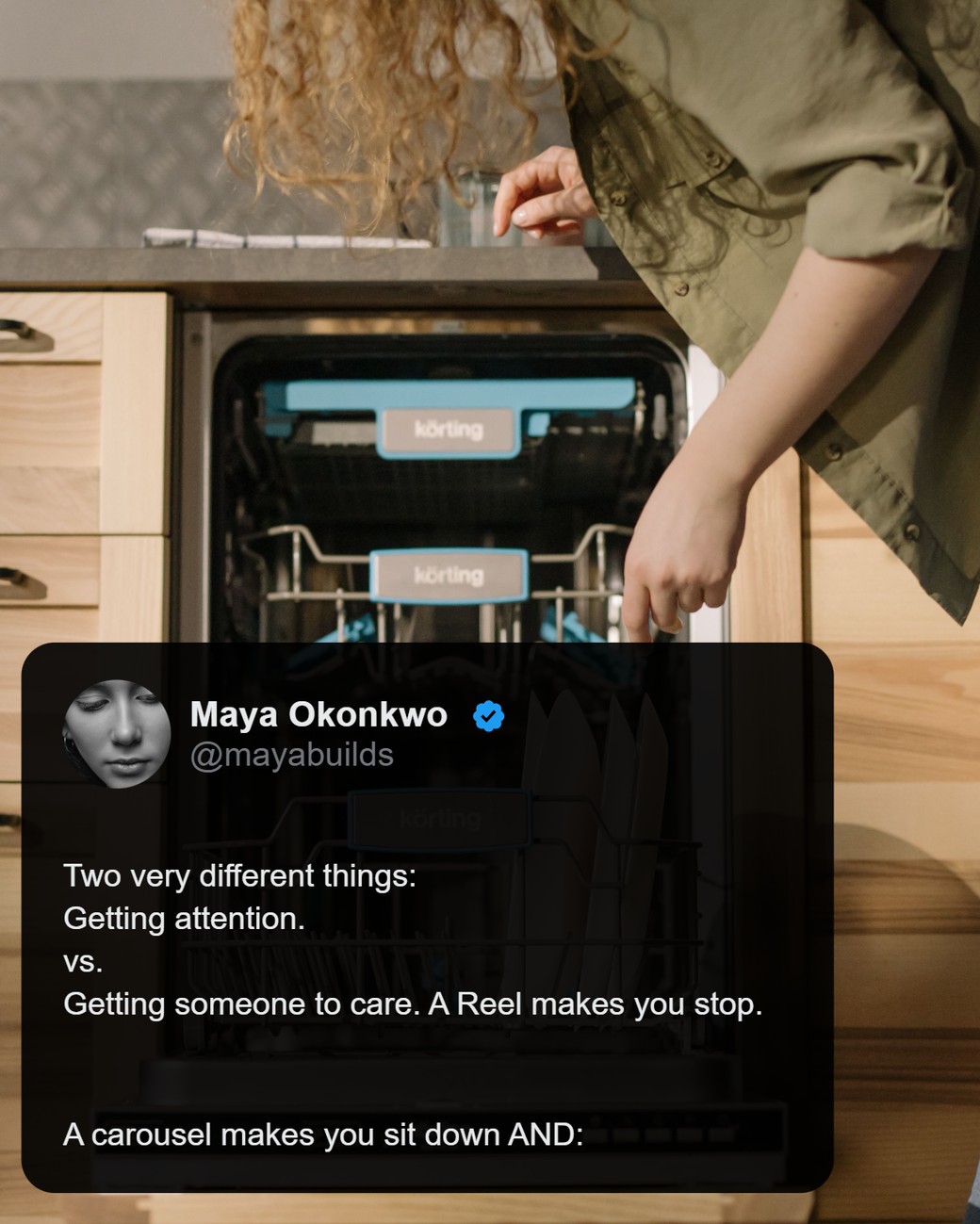
You can make tweet-style carousels and quotes over a photo, then post the PNGs (1170px wide) to Instagram, LinkedIn, X and Threads.
What it doesn't do: export PDF, import from X or any link, or write your posts for you. You write the words; LightFit makes them look right.
What "lifetime" means here
Lifetime means one payment for as long as LightFit Studios runs the service; nothing renews.
- In the terms: "'Lifetime' means for as long as we operate the service" (terms of service).
- If the service shuts down: the terms say that within twelve months of your purchase you get a full refund, and after that you get at least 30 days' notice to export your work.
- Refund: ask within 14 days of payment and you get it back in full, no reason needed (refunds policy).
- Who charges you: payments go through Dodo Payments, the Merchant of Record. It shows on your statement as "DODO PAYMENTS". You're charged in US dollars, and your bank converts at its own rate.
- Tax: the price excludes any sales tax or VAT, which is calculated at checkout.
One payment vs a subscription: the simple maths
The sum is $100 once vs a monthly price × the months you'll use it.
Some carousel makers' entry plans, read on their own pricing pages as of 17 Oct 2026:
- Contentdrips Starter: $15/mo (contentdrips.com/pricing)
- PostNitro Starter: $15/mo (postnitro.ai/pricing)
- carouselmaker.com: $14.99/mo (carouselmaker.com/pricing)
- Caruva Starter: €9/mo (caruva.app/pricing)
At $15 a month, $100 is about 7 months of a subscription. That's plain arithmetic, not a promise of savings. Do the sum with the tool you use now.
To be fair: many subscriptions include AI writing, scheduling or PDF export. LightFit doesn't. If you need those, a subscription may suit you better.
Coming from Canva? See the simpler Canva alternative for carousels.
What happens after you pay
Lifetime access is $100, paid once, and turns on right after payment.
- You sign in, so your work follows you to every browser you use.
- Nothing renews. There's no subscription to manage.
- Changed your mind? A full refund within 14 days (refunds policy).
- Already on a monthly or yearly Pro subscription? Write to email@lightfitstudios.com and you'll be moved to lifetime without being charged twice.
Other carousel makers with a lifetime deal or one-time price
A few other tools sell a one-time price. These are the prices on each tool's own page, as of 17 Oct 2026.
| Tool | One-time price seen | Notably included or required | Source (checked 17 Oct 2026) |
|---|---|---|---|
| LightFit Studios | $100 lifetime | Unlimited exports, up to 20 slides, four sizes. PNG only; you write your own words. | lightfitstudios.com/pricing |
| carouselmaker.com | $199 lifetime | Lists PDF and image export and AI credits. Also sold at $14.99/mo or $59.99/yr. | carouselmaker.com/pricing |
| Carouselli | $249 lifetime | Lists PNG and PDF export, a URL-to-carousel converter and AI. Shown as limited spots. | carouselli.com/lifetime-deal |
| Caroux | $49 one-time | Launch offer, shown as 50% off $97. Includes an AI carousel generator. | caroux.netlify.app |
| Carousel Studio | $19 for the first 100 customers, then $49 | Licence key; you bring your own Gemini or OpenRouter AI key. | carousel-studio.questera.ai |
| DocHipo | $49 per user, excluding taxes | A general design tool, not carousel-only. | dochipo.com/canva-alternative |
Several of these include PDF export, link import or AI writing, which LightFit doesn't. LightFit is for people who write their own words and want unlimited exports for one price.
About AI
No image model is involved and there's no AI in the file: LightFit draws slides in your browser from your words and photos. Optional AI help, an in-app copilot and an AI apps option, is there if you want it. Platforms decide on labels themselves; read why your carousel got an "AI info" label.
FAQ
Is it really one payment?
Yes. $100 once. Nothing renews. Full refund within 14 days. There's no subscription to manage, and the price excludes any sales tax or VAT, which is calculated at checkout. It appears on your statement as "DODO PAYMENTS", in US dollars.
What does "lifetime" mean?
For as long as LightFit Studios runs the service. The terms say exactly that. They also say that if the service shuts down within twelve months of your purchase you get a full refund, and after that at least 30 days' notice to export your work.
What happens after I pay?
Lifetime access is $100, paid once, and turns on right after payment. You sign in, so your work is saved on every browser you use.
Can I get a refund?
Yes. A full refund within 14 days of payment, under the refunds policy. You don't need to give a reason.
What can I make with it?
Tweet-style threads and quote-over-photo carousels, exported as PNG slides (1170px wide) in 4:5, 1:1, 9:16 or 16:9, up to 20 slides.
Can it export PDF for LinkedIn or turn a link into a carousel?
No to both. LightFit exports PNG only, which you can post as a multi-image post on LinkedIn; for a PDF document carousel you'd need another tool. You type or paste your own words, one idea per slide. The X-thread guide shows how.
Does LightFit use AI?
No image model is involved and there's no AI in the file. Optional AI help is available in the app if you want it.
I already pay monthly for LightFit Pro. Can I switch?
Yes. Write to email@lightfitstudios.com and you'll be moved to lifetime without being charged twice.
Pay once. Make carousels for as long as LightFit runs.
Lifetime access is $100, paid once, and turns on right after payment. Nothing renews. Full refund within 14 days.